Apple Magic Mouse
A beautifully minimal multi-touch mouse that fits Mac workflows — until you need to charge it.
Price may vary. As an affiliate, we earn from qualifying purchases.
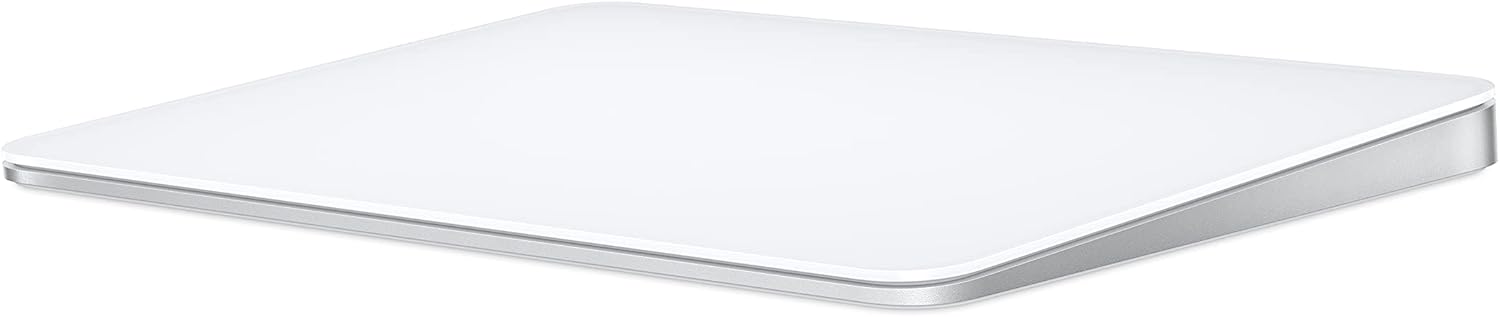
What we like
- Multi-touch surface enables natural scrolling and swipe gestures
- Ultra-thin, lightweight design feels premium on the desk
- Seamless pairing and automatic switching with Apple devices
- Smooth tracking on most surfaces with no dongle required
Could be better
- Charges via Lightning port on the bottom — completely unusable while charging
- No scroll wheel means no middle-click without third-party software
- Low profile causes wrist fatigue during long sessions
- Expensive for what is functionally a flat slab
Full Review
The Apple Magic Mouse is one of those products that’s hard to objectively rate. It’s well-made, deeply integrated into macOS, and genuinely useful for anyone who relies on gestures. It’s also got one of the worst design decisions in modern consumer electronics. Both things are true.
The Multi-Touch Surface
The top of the Magic Mouse is one continuous touch-sensitive surface. You scroll by swiping a finger, swipe between pages with two fingers, and navigate Mission Control with a double-tap. For macOS power users who already rely on trackpad gestures, this feels natural. The tracking itself is accurate and consistent — Apple’s optical sensor handles most desk surfaces without complaint.
The catch is that the gesture set is limited compared to a trackpad. No pinch-to-zoom, no three-finger drag. For casual browsing and productivity work it’s fine; for anything requiring precise gesture control, a Magic Trackpad does more.
Ergonomics and Build Quality
The Magic Mouse is thin — aggressively so. It looks stunning sitting next to a MacBook or Studio Display. In practice, your hand sits nearly flat against the desk, which puts strain on the wrist during extended use. If you use a mouse for more than a couple hours a day, you’ll notice it. Users with larger hands tend to dislike it more.
Build quality is excellent. The aluminum base, glass top, and clean lines feel premium. It doesn’t creak, wobble, or feel cheap in any way.
The Charging Problem
There is no diplomatic way to say this: the Lightning port is on the bottom of the mouse. When it’s charging, the mouse is belly-up on your desk and completely non-functional. Apple has shipped this design across three generations of the Magic Mouse. It takes about two minutes to charge enough for a full day of use, but you have to remember to do it before you sit down.
Battery life is legitimately good — a full charge lasts weeks under normal use. The problem surfaces when you forget, which you will.
Who Should Buy This
Buy the Magic Mouse if you’re deep in the Apple ecosystem, already use gesture navigation throughout macOS, and don’t use a mouse for more than a few hours at a stretch. It’s a solid companion to an iMac or Mac mini for light-to-moderate daily use.
Skip it if you’re a power user, work long hours at a desk, play games, or need middle-click functionality. In those cases, a Logitech MX Master 3S for Mac offers dramatically better ergonomics, more buttons, and charges while in use — for the same price.