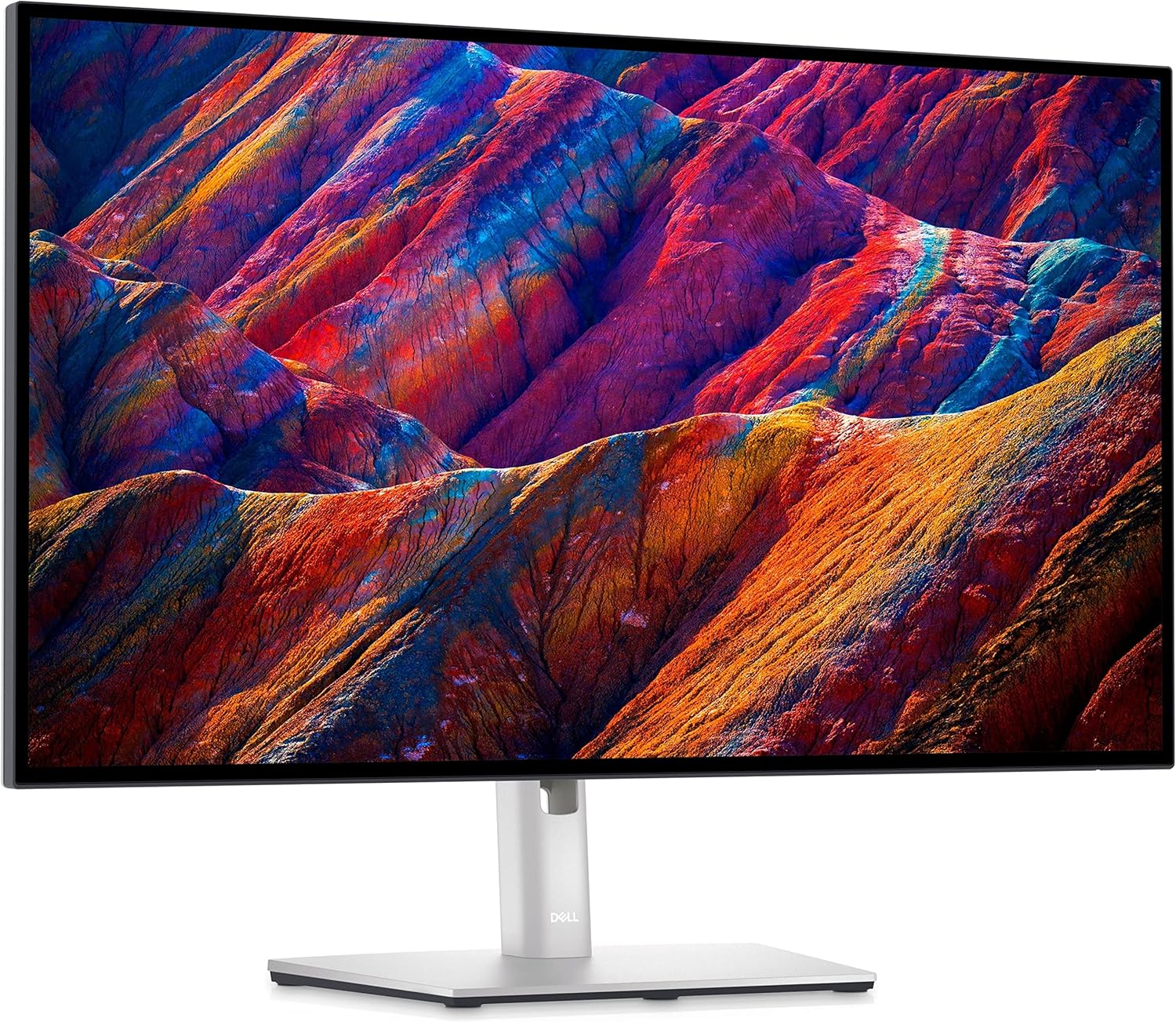
BenQ PD2705Q 27" QHD Designer Monitor
A factory-calibrated 27" QHD IPS monitor built for color-critical work, with USB-C KVM switching and DeltaE ≤3 accuracy out of the box.
Price may vary. As an affiliate, we earn from qualifying purchases.
What we like
- Calman-verified factory calibration with included report
- 100% sRGB and Rec.709 coverage, DeltaE ≤3
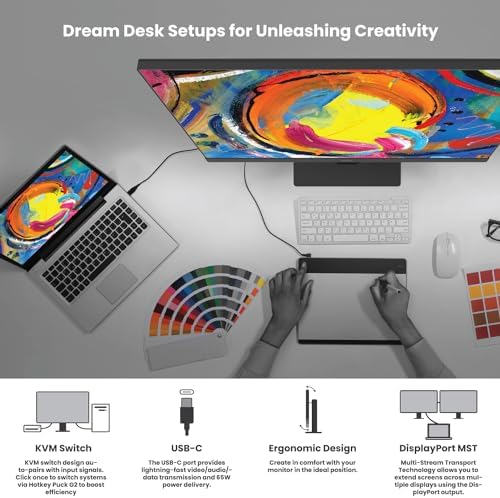
- USB-C (65W charging) with built-in KVM switch
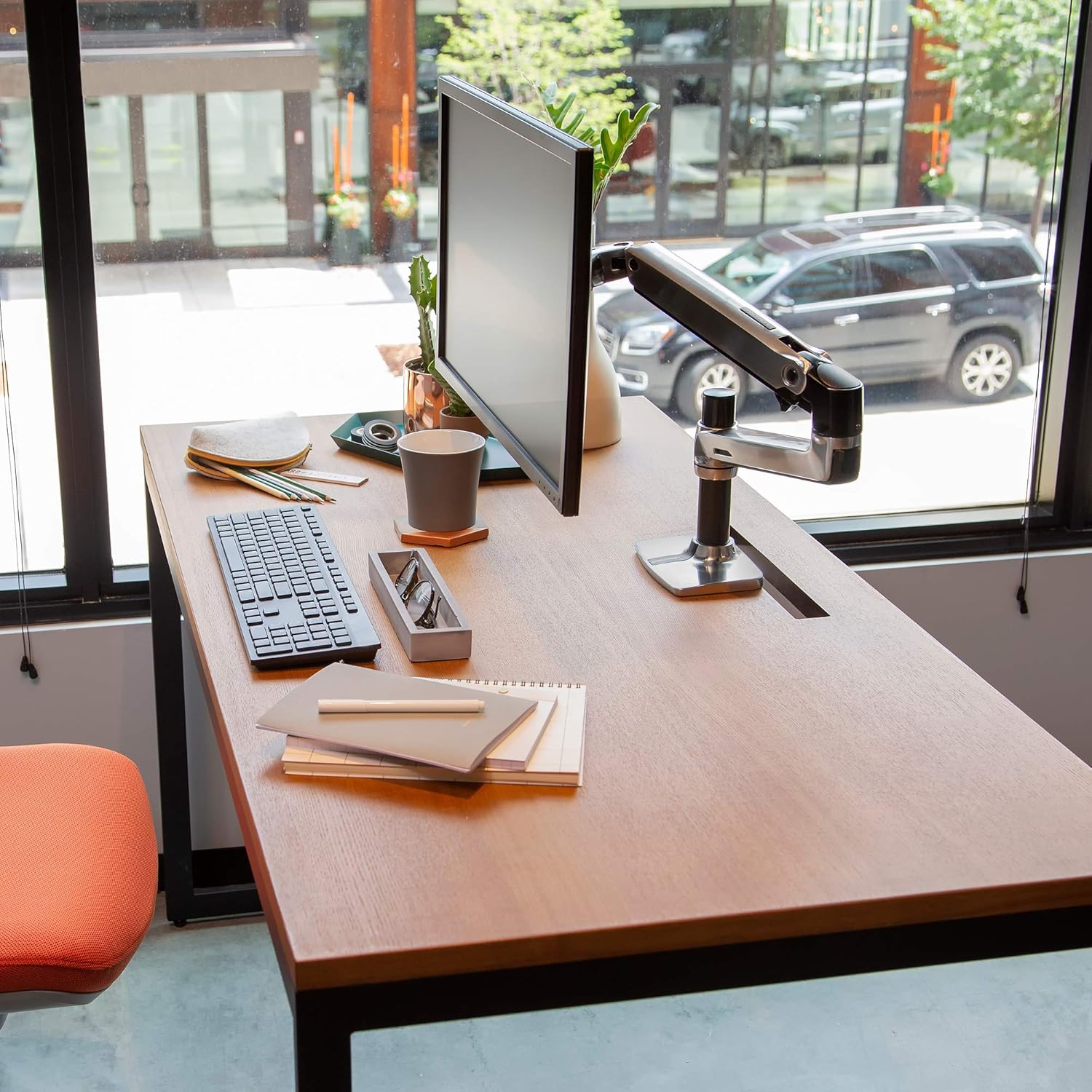
- Ergonomic stand with full height, tilt, swivel, and pivot
- Daisy-chain support via DisplayPort
Could be better
- No 4K — QHD is still sharp but not enough for pixel-precise print work
- 60Hz only; not suitable as a dual creative/gaming display
- USB-C KVM is convenient but adds setup complexity
Full Review
The BenQ PD2705Q is a no-nonsense professional monitor aimed at designers, photographers, and video editors who need accurate color without spending the afternoon calibrating. It ships with a Calman-verified factory calibration report — not a generic certificate, but a per-unit report tied to your specific display’s serial number.
Color Accuracy That Holds Up
At 100% sRGB and Rec.709 with a DeltaE ≤3 guarantee, the PD2705Q covers the color spaces that matter most for web, photo, and video work. Out of the box results are genuinely good — not “good enough for a gaming monitor” good, but production-ready good. BenQ’s AQCOLOR technology handles ICC profile syncing automatically when you switch between display modes like sRGB, Darkroom, and CAD/CAM, so you spend less time chasing white points.
USB-C Hub and KVM in Practice
The single-cable USB-C setup is where the PD2705Q earns its desk space. Plug in a MacBook or laptop and you get video, 65W charging, and access to the monitor’s downstream USB ports — all on one cable. The built-in KVM switch lets you share a keyboard and mouse between two connected computers and toggle between them with the hotkey puck. It works reliably once configured, though the initial setup through BenQ’s OSD menus is fussier than it should be.
Build Quality and Ergonomics
The stand is genuinely good: full height adjustment, tilt, swivel, and 90° pivot for portrait mode. The monitor feels solid and the matte IPS panel keeps glare manageable even near windows. At 27” with a QHD panel, pixel density sits at 109 PPI — plenty sharp for UI work and retouching, though print designers who need to proof at 100% may still want a 4K option.
Who Should Buy This
The PD2705Q is the right call for freelance designers, photographers, and video editors who want calibrated color in a clean, hub-enabled workspace without jumping to 4K pricing. If you’re regularly switching between a Mac and a PC workstation, the KVM makes it even more compelling. If you need 4K for print work or pixel-level detail, step up to the BenQ PD2705U. If color accuracy isn’t critical and you want higher refresh rates, look elsewhere — this monitor is built for accuracy, not speed.