BenQ ScreenBar Halo 2 Monitor Light Bar
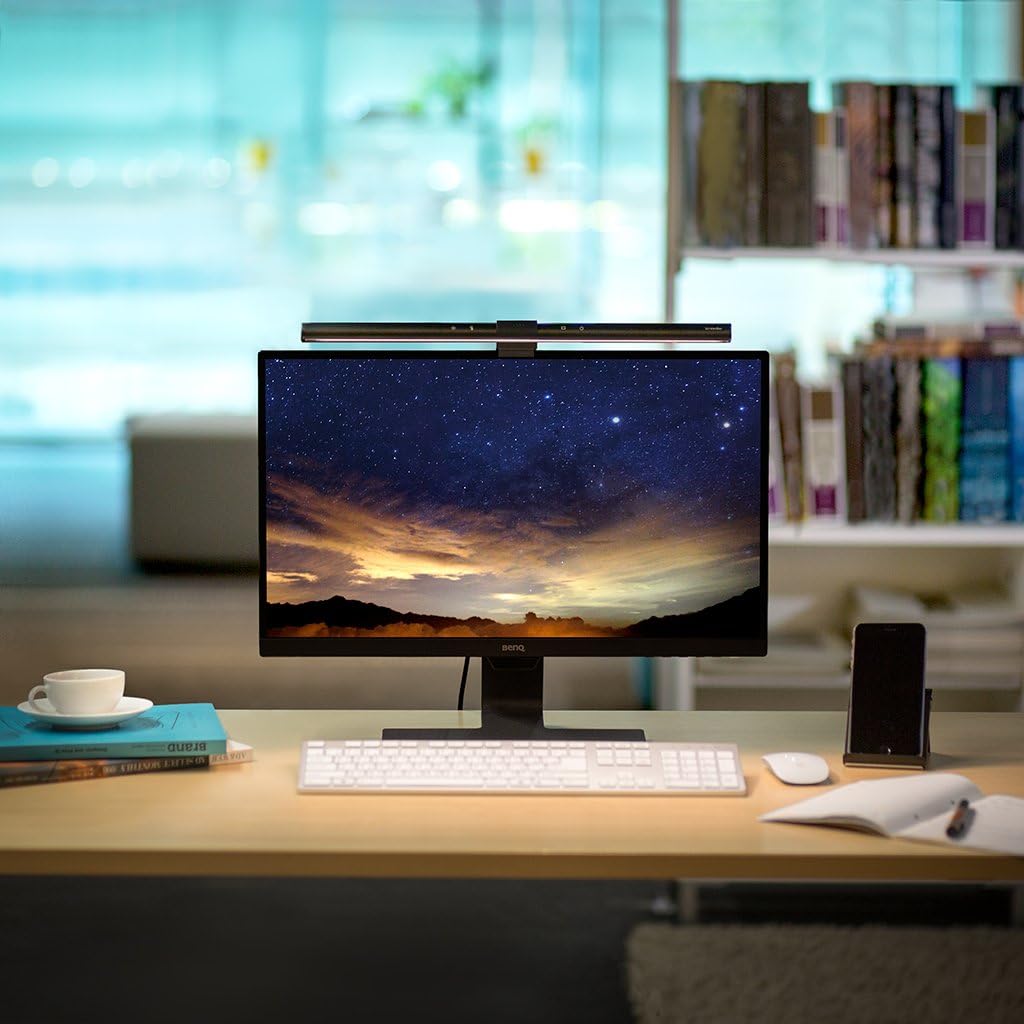
BenQ's flagship monitor light bar pairs glare-free front task lighting with a tri-zone biased backlight, CRI >95 color, and a wireless puck — the premium pick if you actually use a monitor lamp daily.
Price may vary. As an affiliate, we earn from qualifying purchases.
What we like
- Front bar plus tri-zone backlight in one fixture
- CRI >95 with accurate, even color across the desk
- Wireless puck controller with motion auto-on is genuinely convenient
- Auto-dim sensor holds 500 lx without fiddling
- Clamp fits flat and curved monitors from 1000R to 1800R
Could be better
- Roughly 2x the price of Quntis or Xiaomi competitors
- Puck needs AAA batteries — no rechargeable option
- Backlight zones are subtle, not RGB ambient mood lighting
Full Review
The ScreenBar Halo 2 is BenQ’s answer to a desk that’s spent the last two years getting cluttered with cheap monitor bars, bias light strips, and ring lights. It folds the front task lighting and rear bias light into one fixture, then adds a wireless puck so you never reach for the screen edge. At $179.99 it’s the most expensive monitor lamp most people will seriously consider, and it earns the spot — mostly.
Light Quality
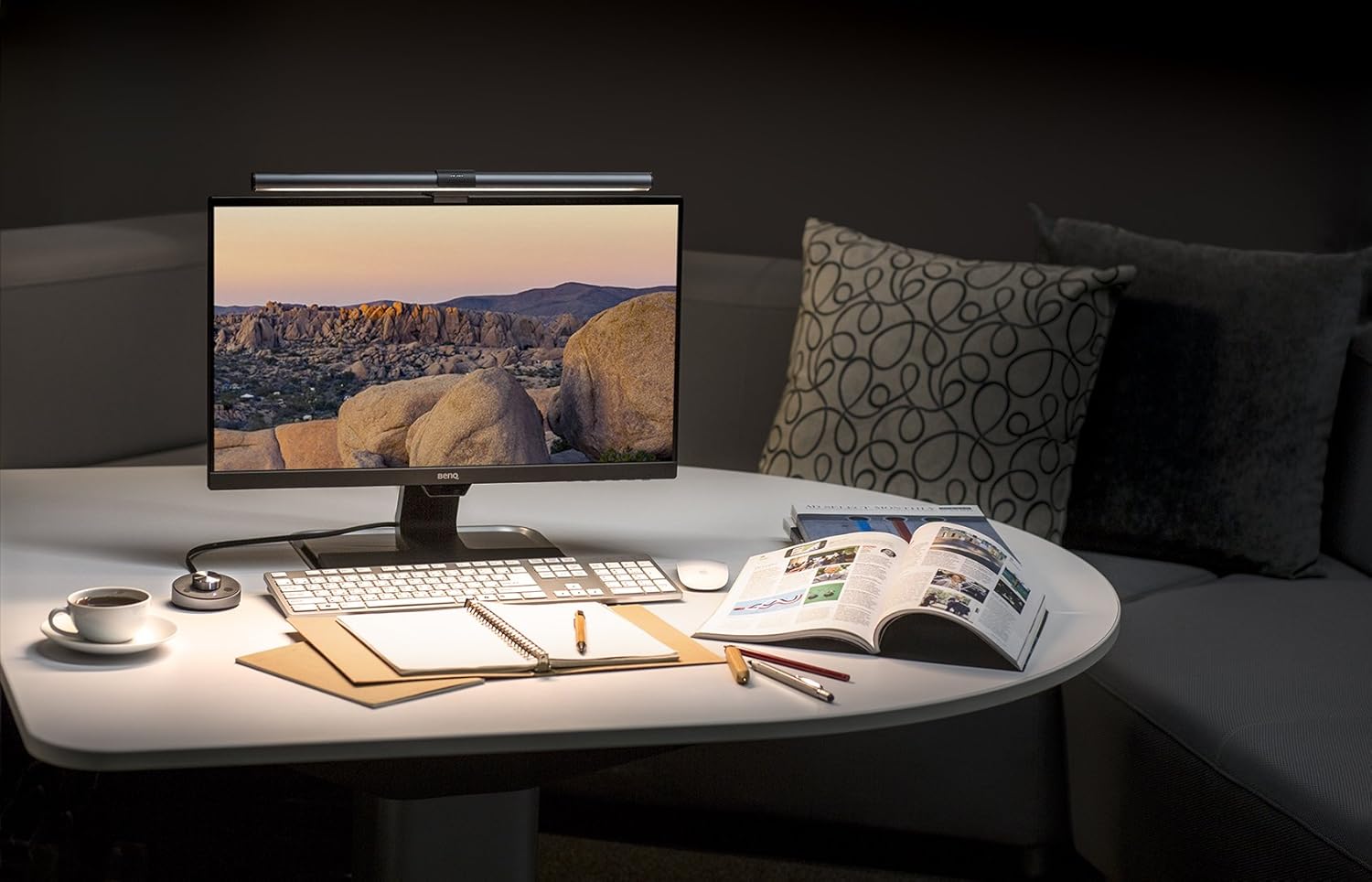
This is where the Halo 2 separates itself from the Quntis and Xiaomi crowd. CRI >95 means skin tones, photo references, and printed pages look the way they should under the bar, not flat or yellow-cast like the budget bars do. BenQ’s asymmetric lens keeps the throw pointed at the desk and away from the screen, so there’s no reflection bouncing back into your eyes even on a glossy panel. Max output hits 800 lx at 45 cm, comfortably above the 500 lx the auto-dim sensor targets by default.
The Backlight Actually Helps
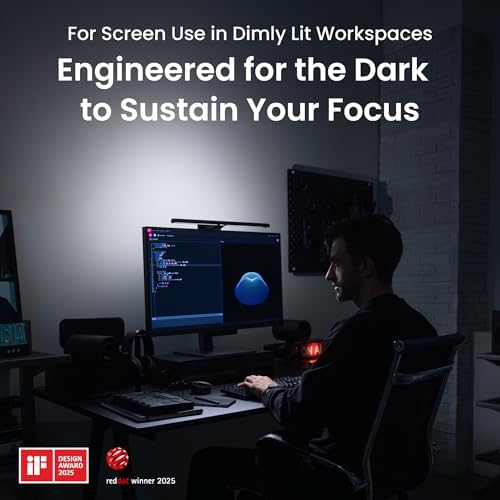
The tri-zone biased backlight is the headline feature, and it works better than a generic LED strip stuck to the back of your monitor. The three zones bias warmer at the edges and neutral in the center, which softens the contrast between a bright screen and a dark wall without bleeding color onto whatever you’re watching. It’s not RGB mood lighting — if that’s what you want, get a Govee strip — but for reducing eye strain during long screen sessions it’s the most refined version of the idea I’ve used.
The Puck and Auto-On
The wireless controller is the small upgrade that ends up mattering most day to day. Tap to toggle, twist to dim, long-press to switch front/back/both. Motion sensing turns the bar on when you sit down and kills it when you walk away. It runs on AAAs instead of a built-in battery, which is annoying but means it lasts months between swaps.
Is It Worth Twice the Quntis
Honest answer: only if you use a monitor lamp every single workday. The Quntis Pro at $80–90 covers 80% of what the Halo 2 does — it puts light on your desk without glare. What you’re paying the extra $90 for is the higher CRI, the integrated backlight (so you don’t buy a separate bias strip), the wireless puck, and BenQ’s better build quality and clamp design. If your desk is your job, the math works. If you only sit down to game on weekends, the Quntis is the smarter buy.
Who Should Buy This
Buy the Halo 2 if you work full-time at your desk, care about color accuracy, and want one fixture that handles both task lighting and bias light cleanly. It’s also the right pick if you have a curved ultrawide — the clamp genuinely fits and the light spread covers it. Skip it if you’re price-sensitive, if you already own a bias light strip you’re happy with, or if you only need lighting a few hours a week. In those cases the Quntis Pro or BenQ’s own original ScreenBar Halo at a discount get you most of the way there for far less.