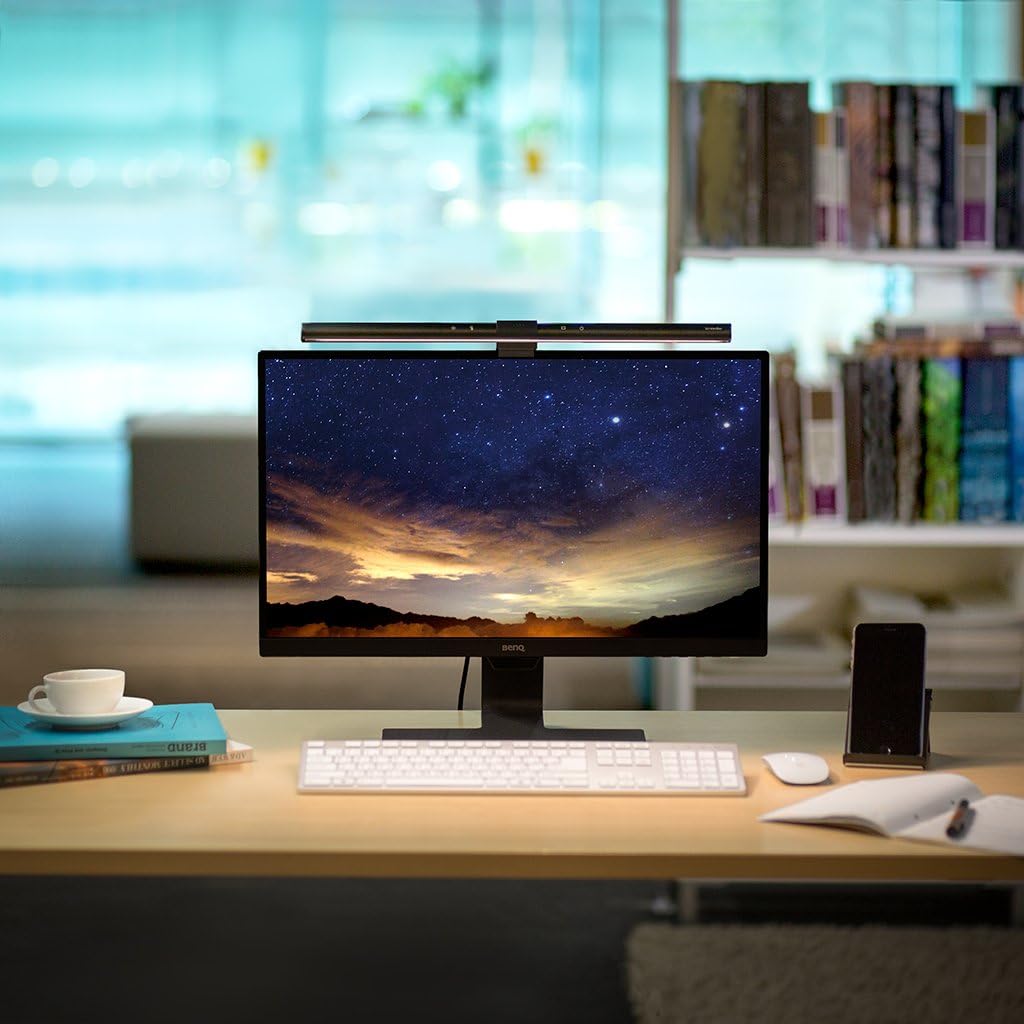
BenQ ScreenBar Pro LED Monitor Light Bar
BenQ's ultrawide-and-curved variant of the ScreenBar — asymmetric optics, 33.5" coverage, and a clamp that actually grips 1000R panels.
Price may vary. As an affiliate, we earn from qualifying purchases.
What we like
- Clamp fits 1000R–1800R curves where the original Halo struggles
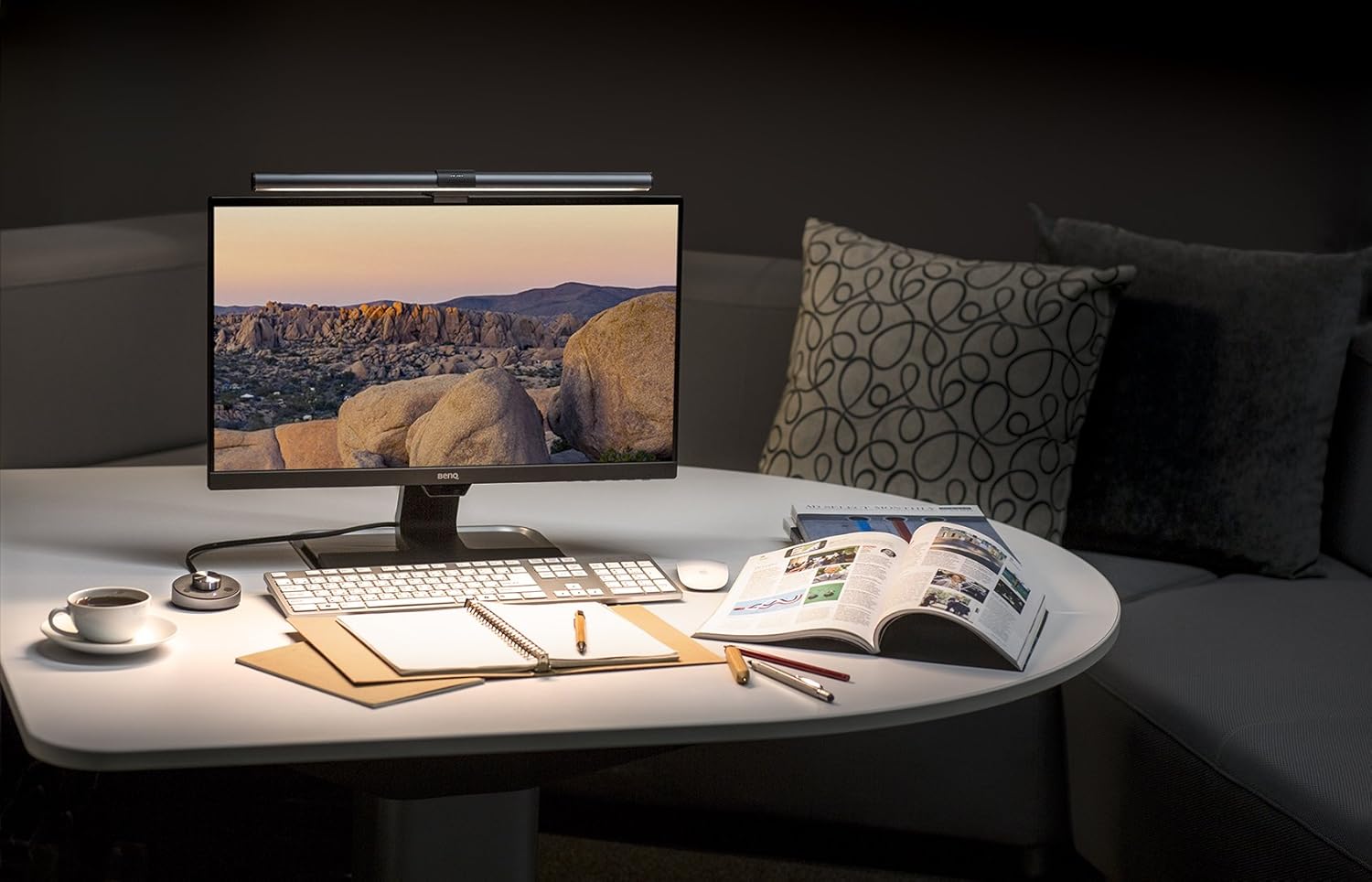
- Asymmetric optics push 500lx across a 33.5x19.7" desk area without glare
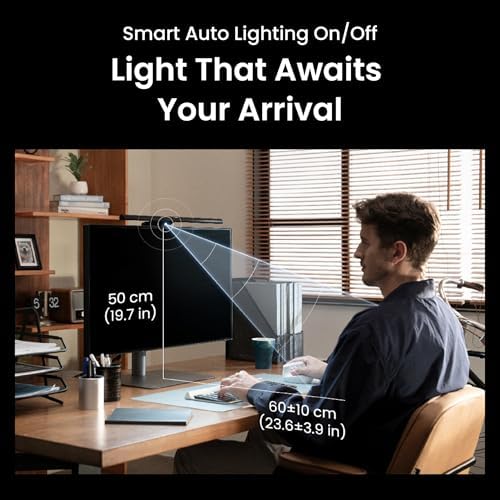
- Ultrasonic motion sensor auto-on/off works reliably and isn't gimmicky
- USB-C power finally replaces the old micro-USB pigtail
Could be better
- $139 is a hard sell next to the Halo 2 if you're on a flat monitor
- No wireless puck — controls live on the bar itself
- Asymmetric throw means it's overkill for sub-27" displays
Full Review
The ScreenBar Pro is what BenQ should have shipped two years ago for anyone running an ultrawide or aggressively curved monitor. The original ScreenBar Halo’s spring clamp was tuned for flat or gently curved panels, and it never sat right on a 1000R display — the bar would tilt forward, the light pattern would skew, and you’d spend a week fiddling with shims. The Pro fixes the clamp and rebuilds the optics around a wider, deeper desk footprint.
Clamp and Fit on Curved Panels
The redesigned counterweight grips anything from 0.17” to 2.56” thick and explicitly supports 1000R–1800R curvature plus flat displays. I tested it on a 34” 1800R ultrawide and a 1000R 49” Samsung — both held firm with no forward droop. The hinge has more range than the Halo’s, so the bar can rotate to compensate for steep curves without pointing light at the screen.
Light Quality
BenQ rates the Pro at 500 lux across a 33.5 x 19.7” area, and it holds up. The asymmetric lens kicks light forward and away from the panel, so you get a bright keyboard zone with zero reflection on the screen — same trick as the Halo, executed across a larger area. CRI is Ra95, color temperature ranges 2700K to 6500K, and the auto-dim sensor reads ambient light accurately. It doesn’t flicker at any brightness level I tested.
Motion Sensor and USB-C
The ultrasonic sensor turns the bar on when you sit down and off when you leave. It’s not a feature I thought I wanted, but it’s surprisingly useful for a hybrid work setup where you’re walking away from the desk 15 times a day. USB-C power means you can run it off a monitor’s downstream port or any 15W adapter — no more proprietary cable.
Halo vs. Halo 2 vs. Pro
If you’re on a flat monitor or a gentle 1800R curve, the Halo 2 is the better buy at around $30 less and includes the wireless puck. If your monitor is 1000R or you’ve got a 38”+ ultrawide where the Halo’s coverage falls short at the edges, the Pro is the only ScreenBar that actually fits the job. The older original Halo is fine if you find it discounted, but skip it for new builds — the Pro’s optics and clamp are a real upgrade.
Who Should Buy This
Buy the ScreenBar Pro if you own a 1000R curved monitor, a 38”+ ultrawide, or you’ve already tried a Halo and watched it slide forward off the bezel. Everyone else should save $30 and get the Halo 2 — the Pro’s extra coverage and tighter clamp aren’t worth the premium on a 27” flat panel.