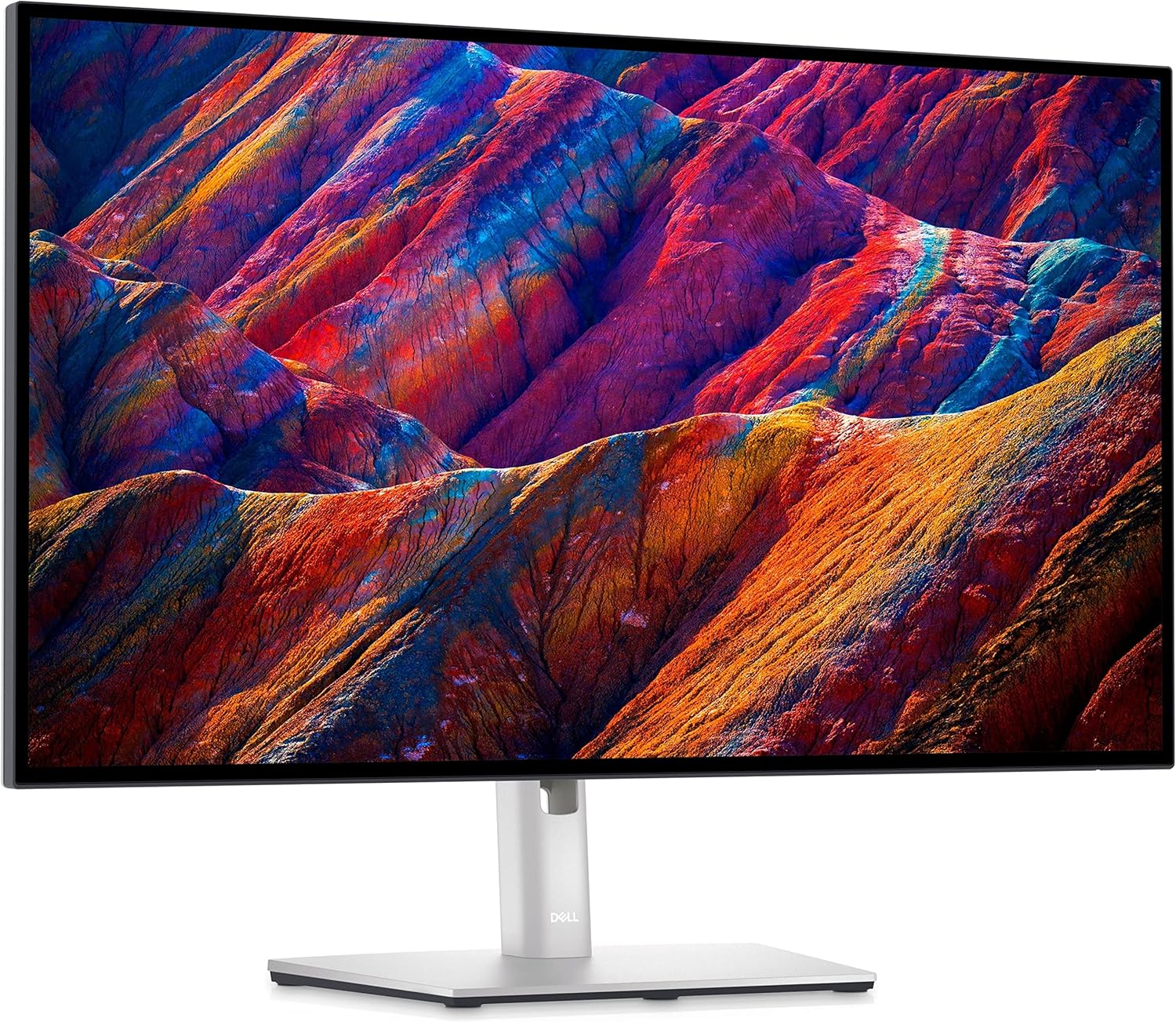
Dell UltraSharp U2723DE 27" Monitor
The best all-around productivity monitor for professionals who need color accuracy, a clean desk, and the flexibility to drive two computers from one display.
Price may vary. As an affiliate, we earn from qualifying purchases.
What we like
- IPS Black panel delivers dramatically better contrast than standard IPS — blacks look black
- USB-C 90W charges a laptop at full speed while carrying video and data on a single cable
- Built-in KVM lets you switch keyboard, mouse, and display between two computers instantly
- Excellent factory color accuracy out of the box — no calibration needed for most workflows
- Rock-solid build quality with a fully adjustable ergonomic stand included
Could be better
- 599 is a real commitment — the U2722D saves $150 if you don't need USB-C or KVM
- No HDMI 2.1 or DisplayPort 2.0 — not the right choice for gaming or high-refresh setups
- Bezels are thin but not borderless; noticeable in multi-monitor arrangements
Full Review
The U2723DE sits at the top of Dell’s UltraSharp line for a reason: it solves the three biggest complaints about productivity monitors — washed-out blacks, cable clutter, and switching between a work laptop and personal machine. The IPS Black panel alone justifies a serious look if you’ve ever been frustrated by how grey “black” looks on a typical IPS display.
IPS Black: The Panel That Changes Everything
Standard IPS panels have a contrast ratio around 1000:1. IPS Black pushes that to 2000:1, which sounds modest until you sit in front of it. Dark UI themes, code editors with dark backgrounds, and video playback all look meaningfully better. You don’t get the deep blacks of an OLED, but you also don’t get burn-in risk or the brightness limitations that come with it. For an 8-hour workday, this is the smarter trade-off.
Color accuracy is excellent without any tinkering — Dell ships this calibrated, and it covers 99% sRGB and 95% DCI-P3. Designers and photo editors can trust it without reaching for a colorimeter first.
One Cable to Rule Your Desk
Plug a USB-C cable into your laptop and you get video, data (the built-in USB hub activates), and 90W of charging — enough for a MacBook Pro or a Dell XPS under load. That single cable setup is transformative if you’re tired of plugging in a power brick, a hub, and a display cable every time you sit down.
The USB hub itself is genuinely useful: two USB-A 3.2 ports on the side for quick access, plus more on the back.
KVM Switch for Two-Computer Setups
The KVM is the feature that pushes this over the edge for anyone running a work machine and a personal machine. You connect both computers to the monitor, plug your keyboard and mouse into the display’s USB hub, and switch between them with a button press or hotkey. No second set of peripherals, no KVM box, no switching cables. It works reliably and the switchover takes about two seconds.
If you’re a remote worker with a company laptop and a personal machine sharing the same desk, this feature alone is worth the price premium over the base U2722D.
Who Should Buy This
Buy this if you’re a professional who wants one high-quality display to last 5-7 years, values color accuracy, and wants the desk simplicity of a single USB-C cable. It’s ideal for developers, designers, and remote workers toggling between two computers. If you only have one machine and don’t need USB-C, the standard U2722D saves $150 with most of the same strengths. Skip this entirely if gaming or high refresh rates are a priority — for that, look at a 1440p 144Hz+ IPS panel instead.