Elgato Key Light
A professional-grade studio light that makes you look polished on every video call, with app-controlled brightness and color temperature.
Price may vary. As an affiliate, we earn from qualifying purchases.
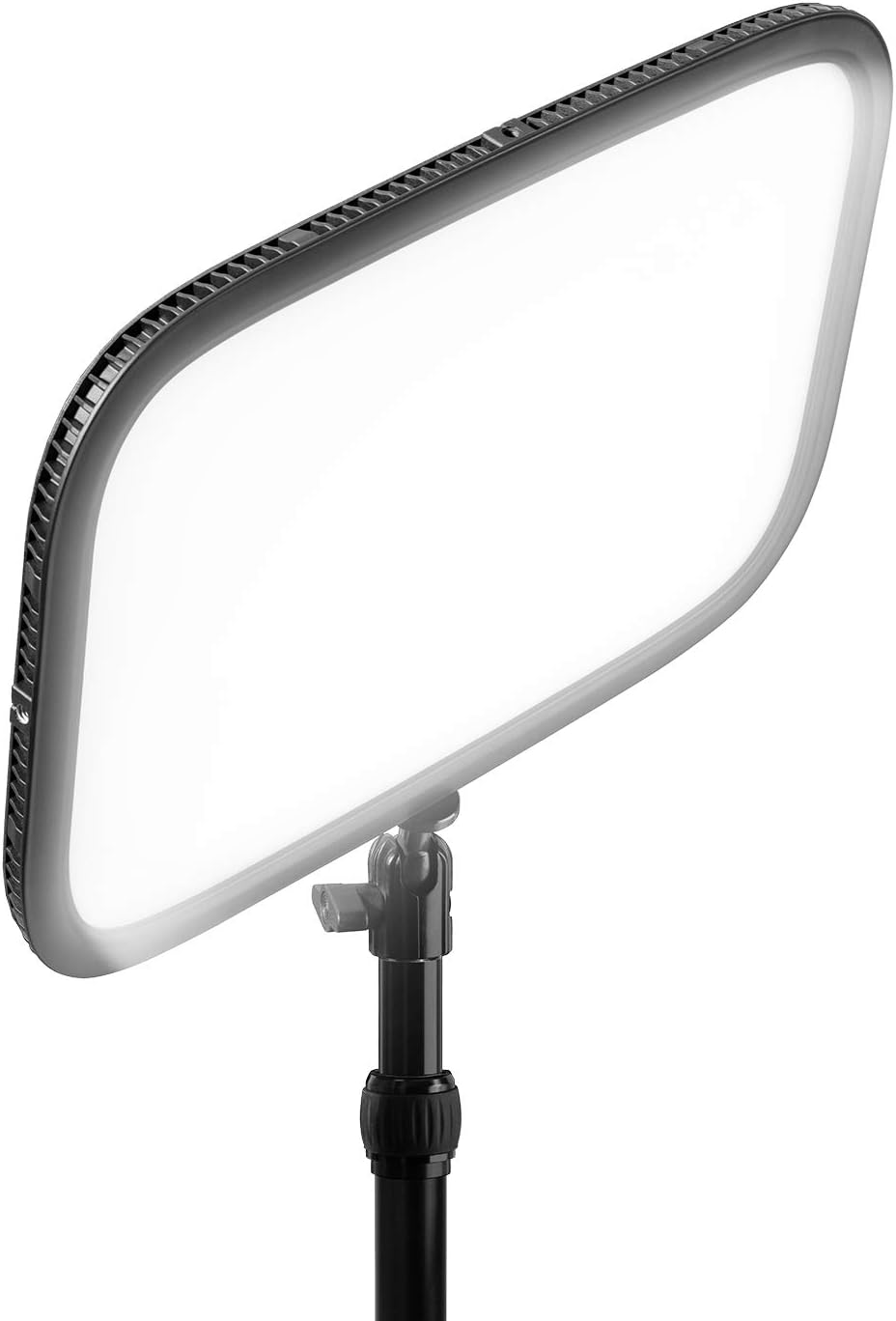
What we like
- 2800 lumens is genuinely bright — enough to overpower window glare
- Wide color temp range (2900K–7000K) handles any lighting condition
- Wi-Fi control via Elgato Control Center app is fast and reliable
- Diffused panel produces soft, flattering light with no harsh hotspots
- Sturdy desk clamp arm holds position without creeping over time
Could be better
- At $200, it's an easy sell for daily video callers but harder to justify for occasional use
- Wi-Fi setup can be finicky on 5GHz-only networks — requires 2.4GHz
- No battery option; you're tethered to a power outlet
Full Review
Most laptop webcams can capture a decent image, but they fall apart the moment your lighting is bad. The Elgato Key Light fixes that problem directly — it’s a professional broadcast-quality panel light designed to sit on your desk and make your face look sharp on any call.
Build Quality and Setup
The Key Light ships with a desk clamp and adjustable arm that feels solid, not plasticky. The panel itself is well-built with a matte diffuser that evenly distributes light across its surface. Setup takes about ten minutes: clamp it to your desk, run the power cable, connect it to your 2.4GHz Wi-Fi network via the Elgato Control Center app, and you’re done. The app works on Mac and Windows, and it integrates directly with Stream Deck if you have one.
Light Quality
2800 lumens sounds like a spec sheet number until you turn it on. It’s bright — bright enough to balance out a window behind you or a dark room. More importantly, the diffused panel produces soft, wrap-around light that eliminates under-eye shadows and looks natural on camera. The color temperature range from 2900K (warm, evening) to 7000K (cool, daylight) means you can match the ambient light in your space rather than fighting against it. In practice, most people land around 4500K–5500K for daytime calls.
App and Controls
The Control Center app is responsive, with a clean slider interface for both brightness and color temp. You can set presets, which is useful if you switch between a “morning meeting” warm setting and a bright midday one. There’s no physical button on the unit itself, so you’re dependent on the app or a Stream Deck shortcut — not a dealbreaker, but worth knowing if you prefer hardware controls.
Who Should Buy This
The Elgato Key Light is the right call if you’re on video calls daily and want to look like you know what you’re doing. It’s used by YouTubers, streamers, and remote workers who need consistent, professional-looking light without building a full studio setup. If you only jump on calls once or twice a week, a cheaper ring light will do the job. But if your camera is on for hours at a time, the $200 is easy to justify — it’s one of the highest-visibility upgrades you can make to a home office setup.