Govee RGBIC Gaming Light Bars H6047
Color-shifting RGBIC desk bars with music sync and 60+ scene modes — built for streamers and gamers, not spreadsheets.
Price may vary. As an affiliate, we earn from qualifying purchases.
What we like
- RGBIC tech lets each bar display multiple colors at once for actual rainbow gradients
- Built-in mic picks up game audio and music for reactive lighting, even from headphones
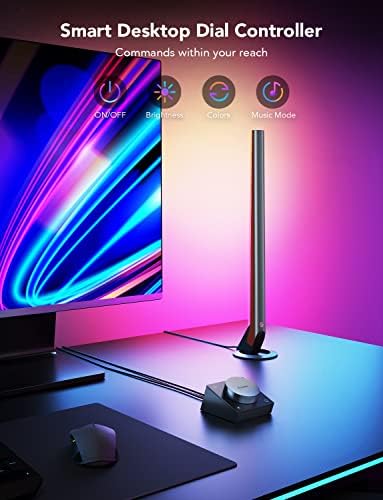
- Smart dial controller is faster than fishing through the app for quick mode changes
- Works with Alexa, Google Assistant, and Razer Synapse 3 for tying lighting into game profiles
Could be better
- Light is too colorful and uneven to use as serious task or video-call lighting
- Govee Home app is feature-packed but cluttered, and Wi-Fi pairing can be flaky
- Bars cast color onto the wall, not your work surface — these aren't a monitor light
Full Review
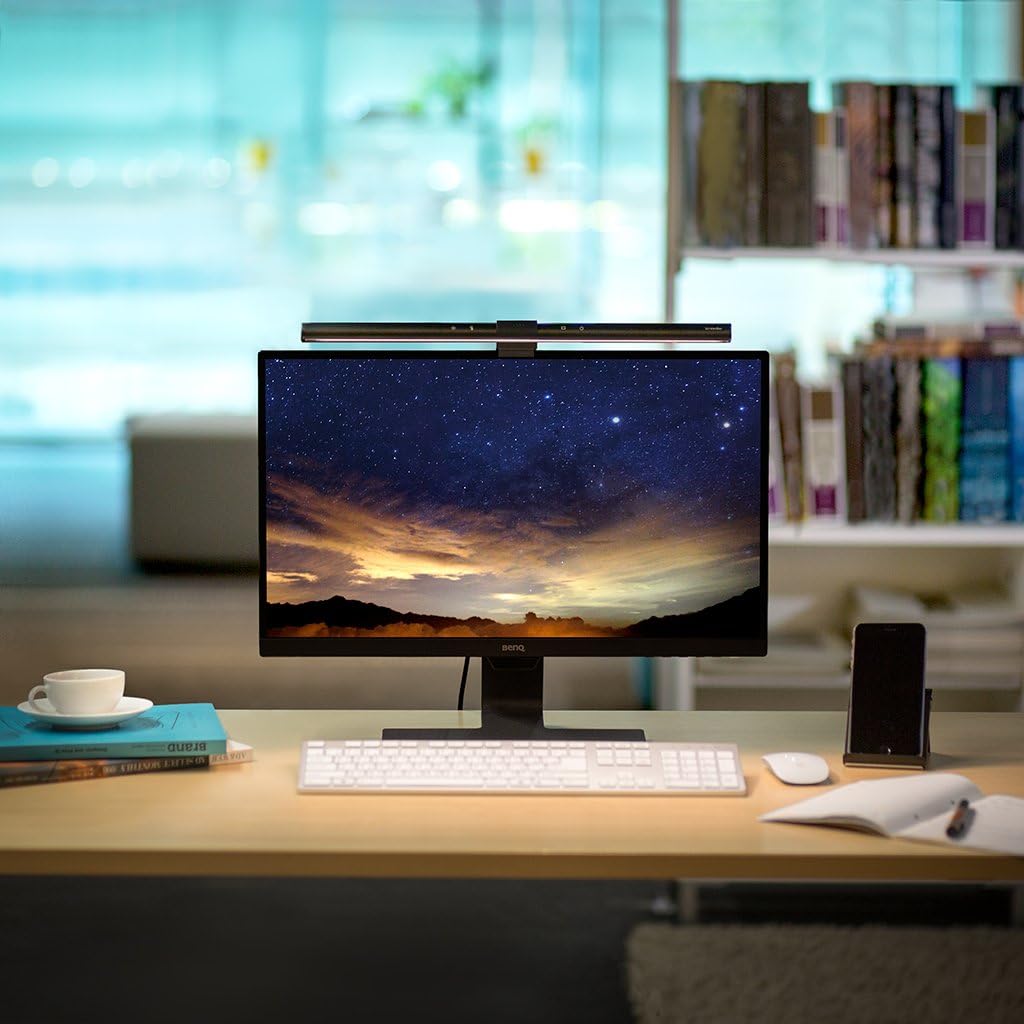
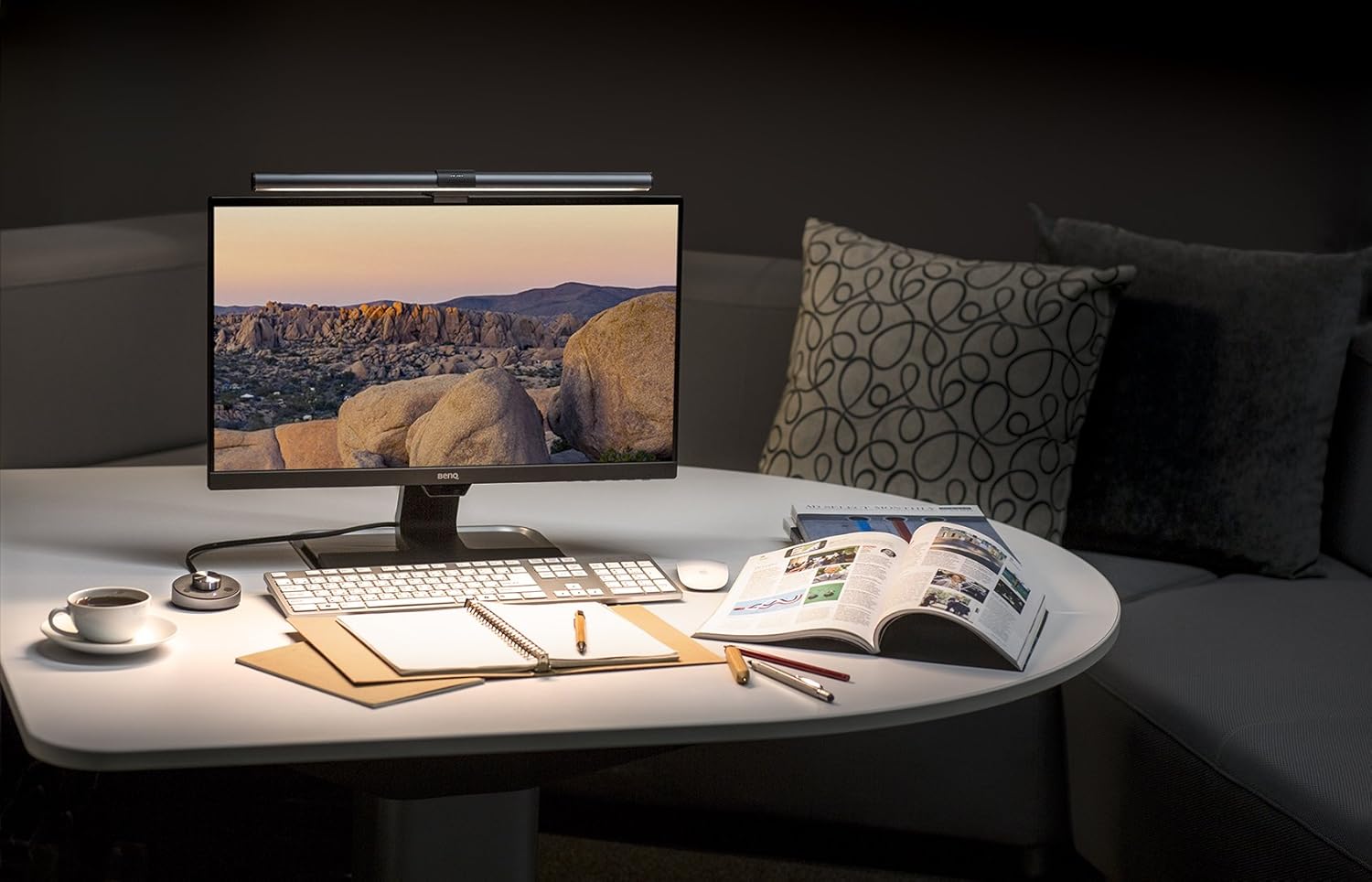
The Govee H6047 is desk bias lighting designed for the kind of setup that already has a mechanical keyboard, an arcade-style mouse pad, and a streaming overlay. If your desk is a productivity workstation, skip these and grab a BenQ ScreenBar Halo instead. If it’s a battlestation, these are one of the better entry points into ambient RGB without going full Nanoleaf.
RGBIC Is the Whole Point
Standard RGB light bars show one color at a time across the entire fixture. RGBIC splits each bar into independently addressable segments, so you get gradients, color chases, and reactive effects that actually look like the marketing renders. Govee’s color accuracy isn’t lab-grade, but the saturation is high and the diffusion is good enough that you don’t see individual LED dots through the housing.
Music and Game Sync
The built-in mic is the feature that justifies the price over cheaper Govee bars. It picks up audio from speakers and — critically — from headphones nearby, so your lights still react when you’re playing late at night with a closed-back headset. Razer Synapse 3 integration goes a step further: lighting can sync to in-game events in supported titles, not just ambient audio.
Music sync is fun for about a week, then you’ll settle into one or two scene modes. The 60+ presets are mostly variations on the same handful of effects, but the DIY editor lets you build your own if none of them stick.
Why Not for Productivity
These are not a substitute for a monitor light bar. The light spreads sideways and onto the wall behind your monitor, which is great for atmosphere and terrible for reducing screen glare or lighting your face on a Zoom call. If you’re trying to look professional on camera, the H6047 will make you look like you’re broadcasting from a Twitch booth.
Who Should Buy This
Streamers, gamers, and anyone whose desk doubles as a vibe-setting environment. The H6047 is the right call if you want bias lighting that’s part of the show — RGBIC, music reactive, and Razer-integrated. If you want lighting that helps you read documents and look good on calls, you want a BenQ ScreenBar Halo instead. These two products are not substitutes; they solve different problems.