Lemokey P1 HE Wireless Magnetic Switch Keyboard
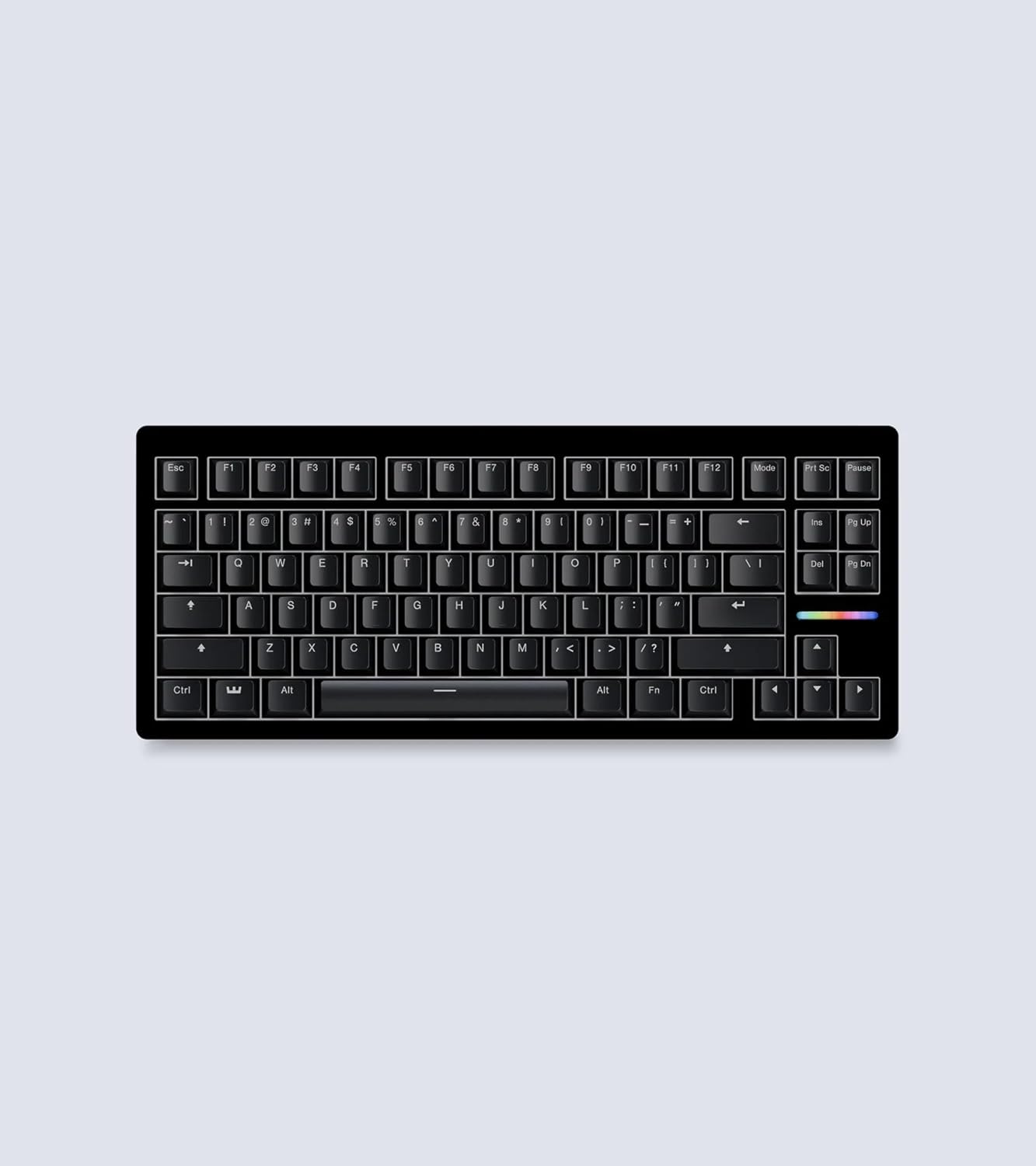
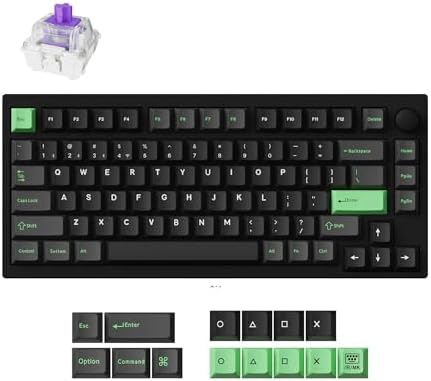
A 75% aluminum custom keyboard with Gateron magnetic switches and wireless connectivity — Keychron build quality meets hall-effect gaming performance.
Price may vary. As an affiliate, we earn from qualifying purchases.
What we like
- Full CNC aluminum body with gasket mount feels noticeably more premium than plastic competitors
- Gateron double-rail magnetic switches offer 0.1mm actuation precision across a 0.2-3.8mm range
- Triple-mode connectivity with 1000Hz polling over 2.4GHz wireless or wired
- QMK-compatible via Launcher web configurator — no software install required
Could be better
- Heavy at over 4 lbs — this is a desk keyboard, not something to move around
- Caps at 1000Hz polling while Wooting 80HE pushes 8000Hz wired
- Per-key actuation tuning is fiddly compared to Wooting's mature Wootility software
Full Review
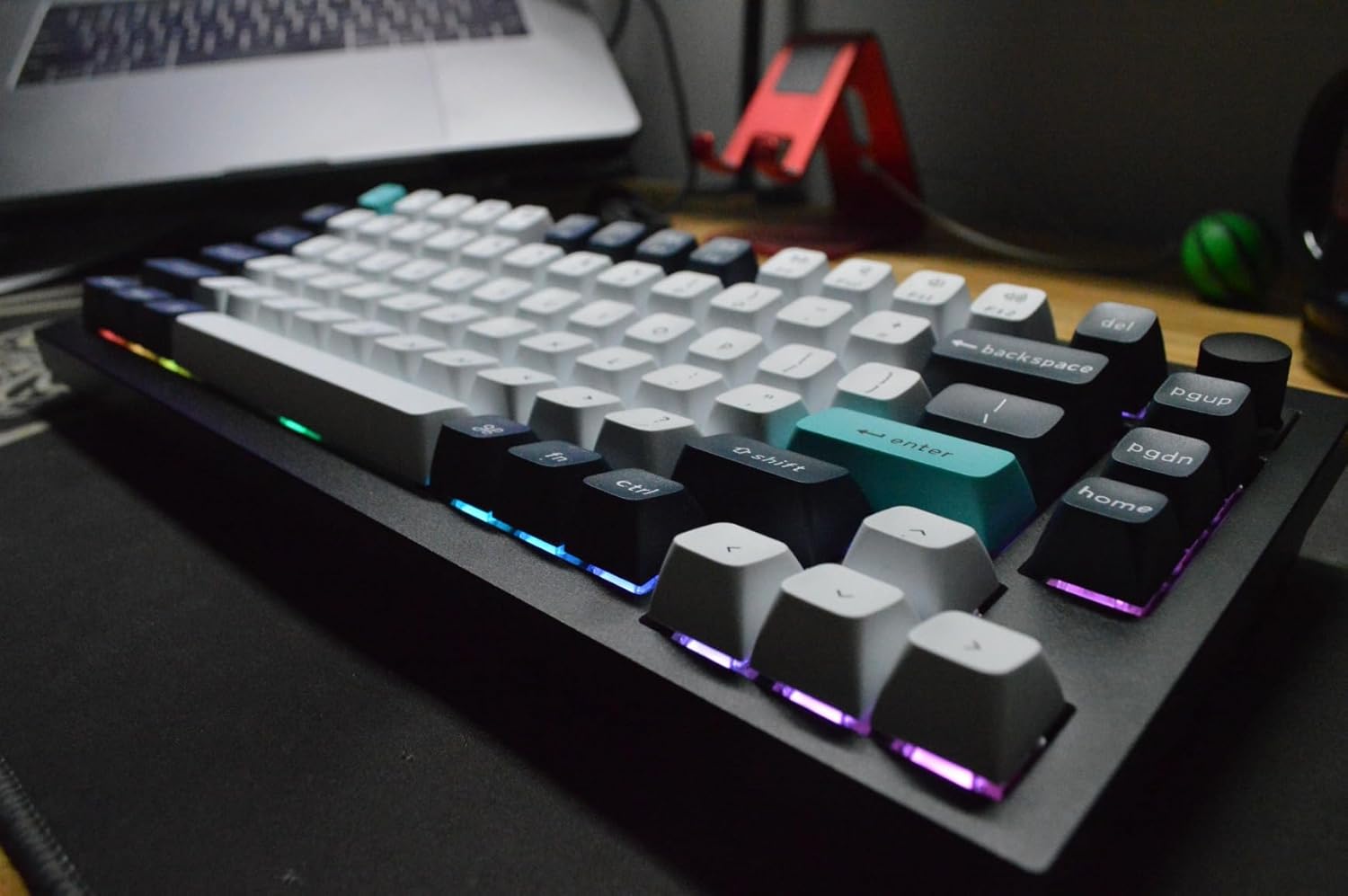
Lemokey is Keychron’s gaming-focused sub-brand, and the P1 HE is their answer to the analog keyboard arms race. It takes the same custom-keyboard formula Keychron has been refining for years — aluminum body, gasket mount, PBT keycaps, QMK firmware — and swaps the mechanical switches for hall-effect magnetic ones. The result is unusual: a hall-effect board that actually feels like a high-end enthusiast keyboard rather than a plastic gaming peripheral.
Build and Feel
The P1 HE is built like Keychron’s Q1 series, which is to say very well. The case is full CNC aluminum with a powder-coated finish, the keycaps are double-shot PBT, and the whole thing is gasket-mounted with internal sound-dampening foam. It thuds rather than pings when you bottom out, and at over four pounds it doesn’t move on the desk. The rotary knob in the top right is metal too.
Magnetic Switches in Practice
Gateron’s double-rail magnetic switches are the headline feature. You can set the actuation point anywhere from 0.2mm to 3.8mm in 0.1mm increments, enable rapid trigger (where the key registers a new press the moment you start lifting), and configure snap tap-style key prioritization. For Valorant or CS2, you can run a 0.2mm actuation for instant response. For typing, dial it back to 1.5-2mm so you don’t trigger keys on accidental finger rests. The switches themselves feel smooth and linear with no scratchiness.
Wireless and Polling
The P1 HE runs at 1000Hz polling over both wired and 2.4GHz wireless, which matches most gaming keyboards but trails the Wooting 80HE’s 8000Hz wired polling. If you’re a competitive FPS player chasing every millisecond of latency, the Wooting still wins on paper. For everyone else, 1000Hz is fine and you get wireless freedom the Wooting can’t match. Bluetooth 5.2 is there for laptop and tablet pairing across three devices.
Software
Configuration happens in Keychron’s Launcher web app — no install required, just plug in over USB. You get per-key actuation, rapid trigger toggles, macros, and full QMK key remapping. It’s functional but less polished than Wootility, especially for setting up complex actuation curves. If you want deep tuning, expect to spend time in there.
Who Should Buy This
Buy the Lemokey P1 HE if you already love Keychron’s build quality and want hall-effect switches without giving up wireless or aluminum construction. It’s the right pick for someone who games seriously but also types all day, and who’d rather have a premium-feeling 75% board on the desk than a plastic gaming keyboard. If you want the absolute lowest latency and don’t care about wireless or build, the Wooting 80HE is still the competitive-FPS pick. Everyone else gets a better keyboard here.