LG UltraFine 27US500-W 27" 4K Monitor
LG's newest 27" 4K IPS delivers 90% DCI-P3 accuracy and a clean borderless white design for under $300 — a natural match for MacBook-driven home offices.
Price may vary. As an affiliate, we earn from qualifying purchases.
What we like
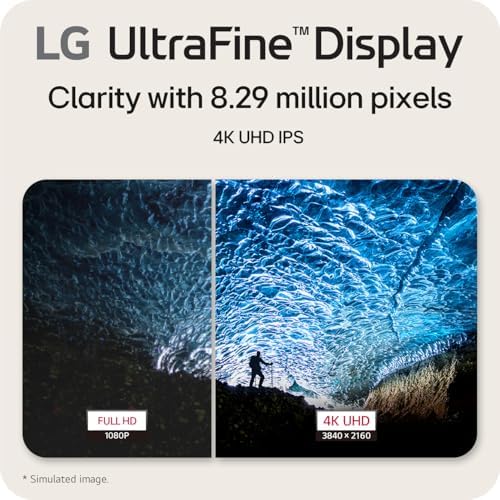
- Crisp 3840×2160 IPS panel with excellent text clarity at 27 inches
- 90% DCI-P3 coverage is strong for the price — photo and video work looks accurate
- Clean white, borderless design pairs visually with MacBooks and minimalist desks
- Reader Mode and flicker-safe tech genuinely reduce eye fatigue on long workdays
- Two HDMI + DisplayPort inputs and a 100×100 VESA mount for arms
Could be better
- Tilt-only stand — no height, swivel, or pivot adjustment
- No USB-C input, so MacBooks still need a dedicated HDMI or DP cable plus power
- 60Hz and basic HDR10 — not for gamers or true HDR content creators
- Built-in speakers are absent; you'll need external audio
Full Review
The 27US500-W is LG’s answer to a very specific question: what does a genuinely good 27-inch 4K monitor look like when you cap the price at $300? The answer is a clean, understated white IPS panel that nails the fundamentals for home office work — sharp text, accurate color, and a design that looks like it belongs on the desk instead of dominating it.
Image Quality
Text rendering at 4K on a 27-inch panel is the reason most people buy this category, and the 27US500-W delivers. Characters are crisp, anti-aliasing is clean, and there’s no sub-pixel weirdness that can plague cheaper panels. Color is the bigger surprise — 90% DCI-P3 coverage means photos and video look correct out of the box, not oversaturated or washed out. HDR10 is supported but, at 400 nits peak, don’t expect the kind of highlight impact you’d get from a true HDR display. Treat it as SDR-first.
Design and Daily Use
The matte white finish and 3-side borderless bezels are clearly aimed at the MacBook crowd, and it works. Next to an M-series MacBook or a white mechanical keyboard, the 27US500-W looks deliberate rather than generic. Reader Mode shifts to a warmer profile for long document sessions, and the flicker-safe backlight is a real feature — you’ll notice the difference after an 8-hour day.
The catch is the stand. Tilt-only is the obvious cost-cutting choice, and if you sit at a fixed desk height it’s fine. If you use a standing desk or want to rotate for portrait coding, budget another $40-80 for a VESA arm.
Connectivity Tradeoffs
Two HDMI 2.0 ports and one DisplayPort 1.4 cover most setups, but the absence of USB-C is the one spec that dates this monitor. A single-cable MacBook setup isn’t possible — you’ll run HDMI or DP for video and a separate power brick. For Windows users plugging in a desktop, this is a non-issue.
Alternatives Worth Considering
If you want the same panel class with USB-C power delivery and a fully adjustable stand, the ASUS ProArt PA279CV is the natural step up at around $400 and aimed more at creators. The Dell S2725DSM is cheaper but only QHD — you lose the 4K sharpness that makes the LG worth buying. The 27US500-W wins specifically on the price-to-color-accuracy ratio for a 4K panel with a stand-out design.
Who Should Buy This
Buy the 27US500-W if you want a clean, accurate 27” 4K monitor for a MacBook or Windows home office and you either sit at a fixed height or already own a monitor arm. It’s ideal for writers, developers, and hybrid photo/design workflows that don’t need wide-gamut professional calibration. Skip it if you need USB-C single-cable docking, a height-adjustable stand out of the box, or any kind of high-refresh-rate gaming — this is a productivity-first display, and it’s honest about that.


