Logitech MX Master 3S Mouse
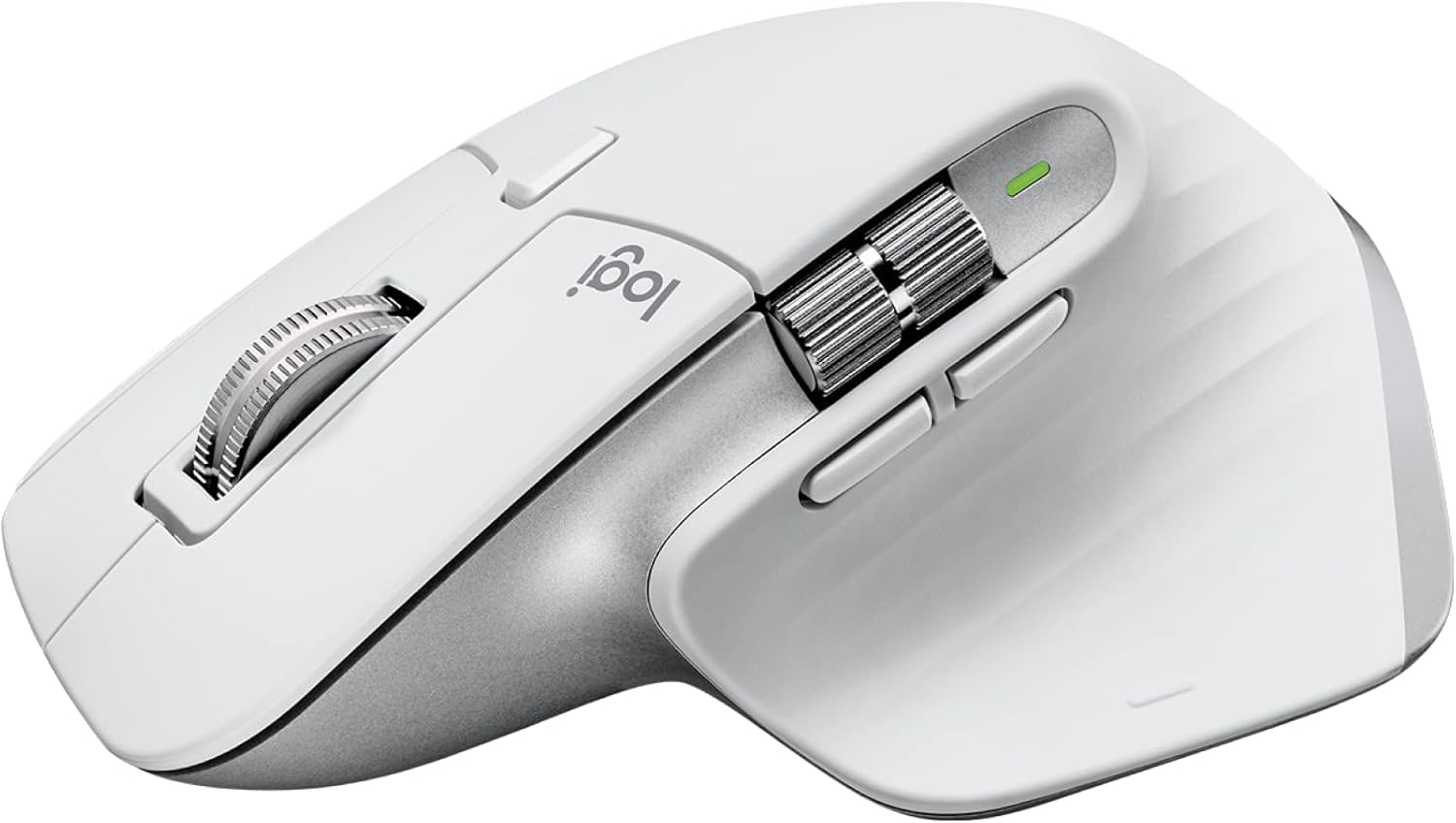
The MX Master 3S refines Logitech's best productivity mouse with a quieter click and faster MagSpeed scroll wheel, making it hard to justify anything else for desk work.
Price may vary. As an affiliate, we earn from qualifying purchases.
What we like
- MagSpeed scroll wheel is genuinely transformative for long documents and code
- Quiet clicks reduce noise without sacrificing tactile feedback
- Thumb wheel adds a practical horizontal scroll axis
- Multi-device pairing via Bluetooth or USB receiver (up to 3 devices)
- Logi Options+ customization is deep and actually works
Could be better
- Too large for small hands or claw-grip users
- No ambidextrous option — strictly right-handed
- Battery charges via USB-C but takes a while to top off
Full Review
The MX Master 3S is Logitech’s answer to “what if we made the already-good MX Master 3 quieter and slightly better.” It’s not a reinvention — it’s a polish pass. For most people doing real desk work, that’s exactly what the lineup needed.
The MagSpeed Scroll Wheel
This is the one feature that makes the MX Master 3S genuinely different from every other mouse. The electromagnetic scroll wheel switches between a ratcheted click-by-click mode and a near-frictionless free-spin mode automatically, depending on how fast you move it. Scroll slowly and you feel each notch. Flick it and it spins for seconds with almost no resistance.
On a long spreadsheet or a dense codebase, this is a real time-saver. It sounds like a gimmick until you use it for a week and then try going back to a standard wheel.
Build Quality and Ergonomics
The 3S feels premium without being flashy. The rubber thumb rest is substantial, the buttons have a satisfying low-noise click that’s noticeably quieter than the MX Master 3 — roughly 90% quieter by Logitech’s measurement. In an open office or shared space, that matters.
The shape is a deep palm-grip design optimized for right-handed users with medium to large hands. If you run a claw grip or have smaller hands, the MX Anywhere 3S is a better fit.
Multi-Device and Software
Pairing up to three devices via Bluetooth or the included USB receiver works reliably. Switching between them with a button on the bottom takes about a second. The Logi Options+ app lets you remap every button, set app-specific profiles, and configure the scroll wheel behavior — it’s one of the better peripheral software experiences available.
Compared to the MX Master 3, the 3S adds quieter clicks and a higher-resolution sensor (8,000 DPI vs. 4,000 DPI). If you already own the 3, it’s not a compelling upgrade. If you’re buying new, always buy the 3S.
Who Should Buy This
The MX Master 3S is the right call for anyone who spends most of their day in documents, spreadsheets, or code and wants a mouse that doesn’t get in the way. The scroll wheel alone justifies the price for heavy keyboard-and-mouse workers. Skip it if you have small hands, prefer a claw grip, or need something ambidextrous — for those cases, look at the Logitech MX Anywhere 3S or the Razer Pro Click.


