Philips Hue Play White and Color Ambiance Light Bar
A premium smart LED bias light that paints the wall behind your monitor in any of 16 million colors and syncs to what's on screen.
Price may vary. As an affiliate, we earn from qualifying purchases.
What we like
- Rich, saturated color across the full RGB range
- Works with Alexa, Google Assistant, and HomeKit
- Sync Box compatibility for real-time screen matching
- Multiple mounting options — clip, stand, or adhesive
Could be better
- Requires a Hue Bridge (sold separately) for full features
- Expensive compared to generic bias lights
- Screen syncing needs a separate Hue Play HDMI Sync Box
Full Review
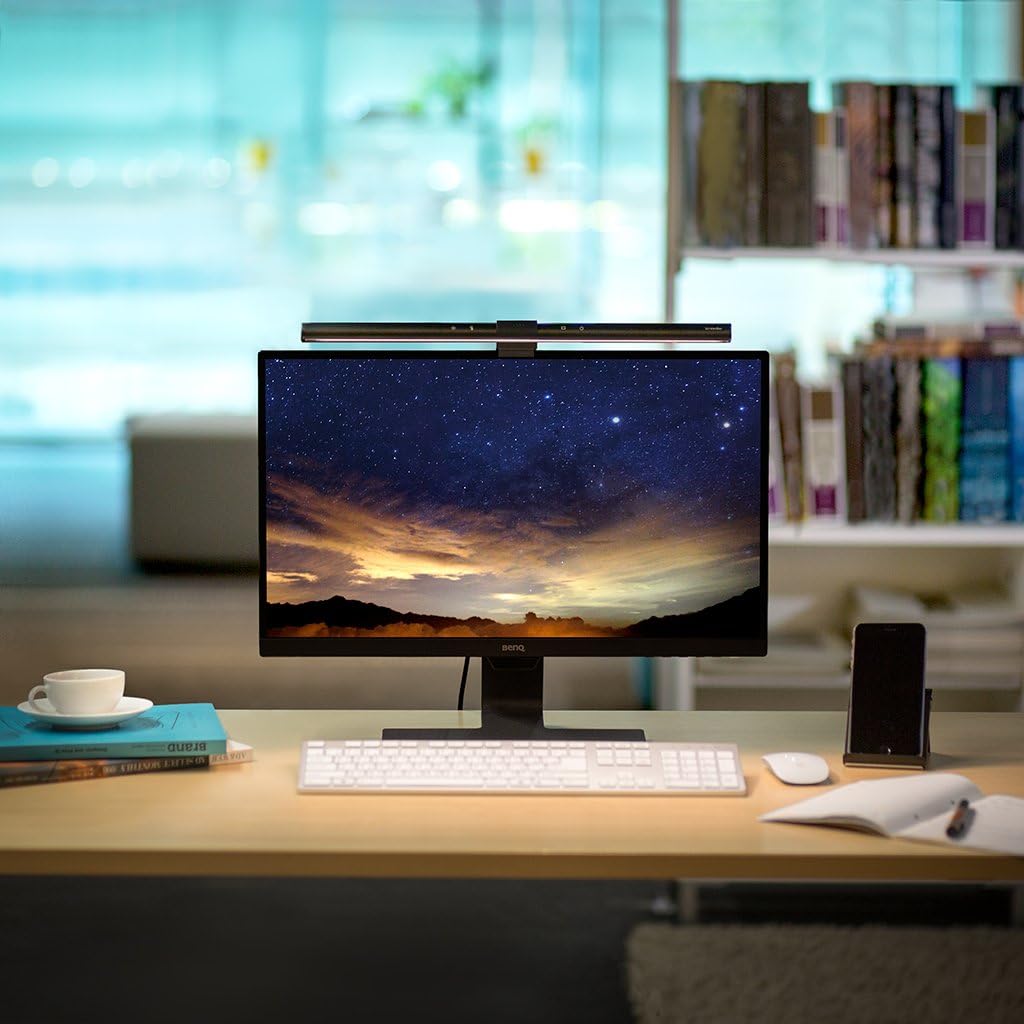
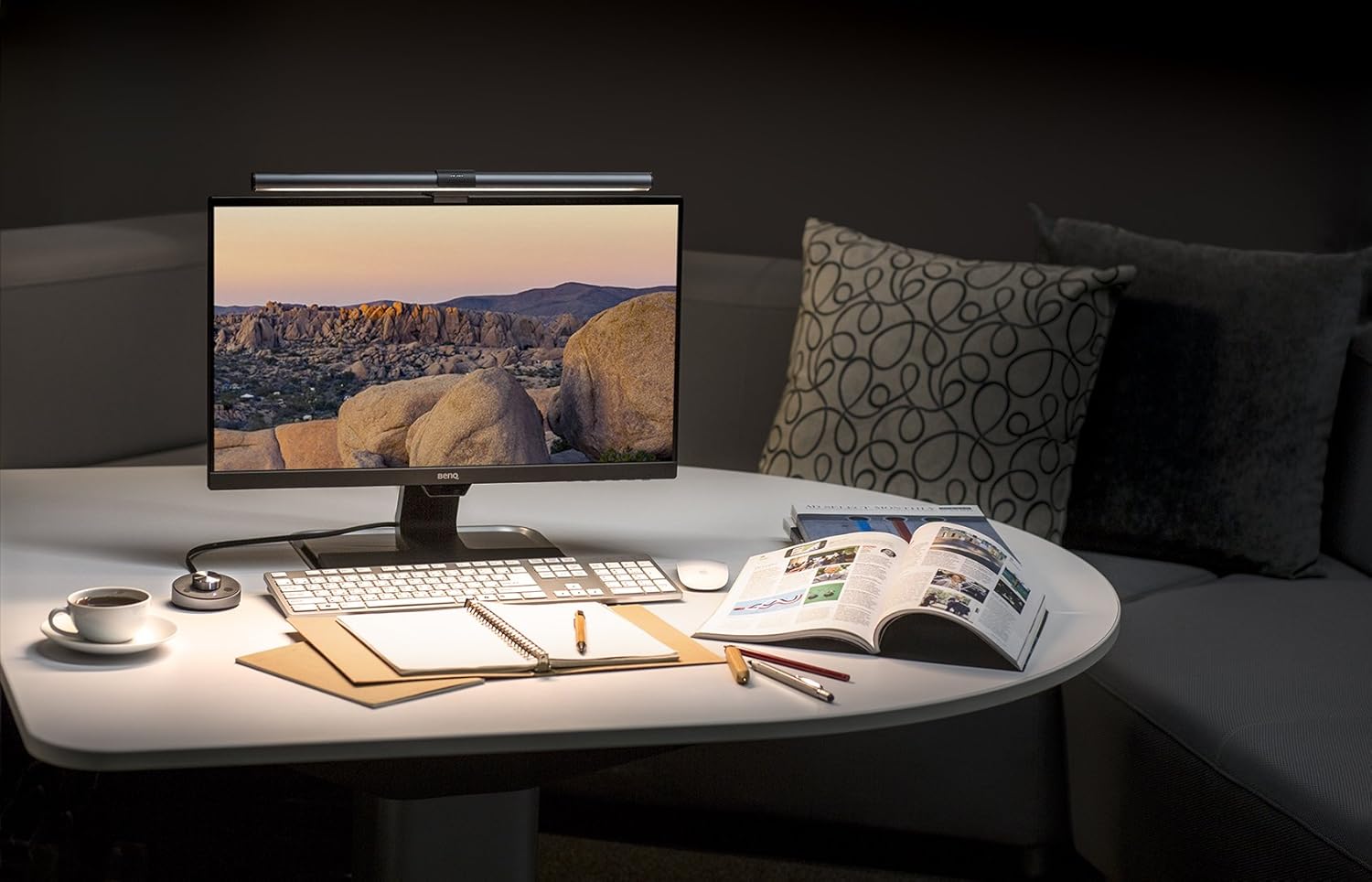
Bias lighting behind a monitor reduces eye strain during long work sessions and makes the screen look better by softening contrast against the wall. The Philips Hue Play is the premium take on that idea — a short aluminum bar with a diffused LED that can hide behind almost any display.
Build and Mounting
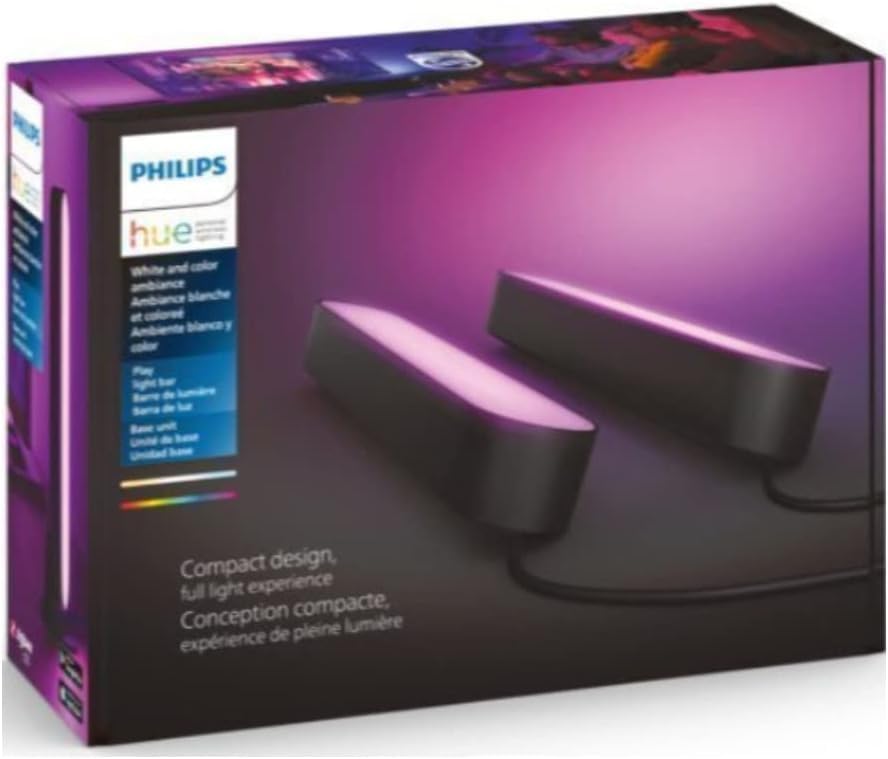
The Play is small and unobtrusive — about 6 inches long with a matte finish (black or white). Philips includes three mounting solutions in the box: a small stand for setting it on a desk, a flat clip for sticking it to the back of a monitor, and an adhesive mount. Cable management is where Hue shows its price tag — the flat ribbon-style cable runs cleanly to a single power supply that can drive up to three bars.
Color and Light Quality
Color is where the Hue Play earns its keep. The output is genuinely saturated — deep reds, true blues, no washed-out midrange like you get from cheaper bias strips. Tunable white ranges from warm 2000K for evening work to cool 6500K for daylight matching. At full brightness it’s a little too bright for a single-monitor desk; you’ll probably run it at 30-50%.
Ecosystem and Sync
The Play plugs into the broader Hue ecosystem — which is either a feature or a tax depending on how you look at it. You need a Hue Bridge to unlock scenes, routines, and voice control. If you already have Hue bulbs elsewhere, adding a Play is seamless. If this is your entry point, budget another $50 for the Bridge.
Screen syncing is the killer feature for gaming and movies, but it requires the separate Hue Play HDMI Sync Box (~$230). The Hue Sync desktop app can sync to your PC’s display for free, which is what most work-from-home users will actually use.
Who Should Buy This
Buy the Hue Play if you’re already in the Hue ecosystem, or if you want color-accurate ambient lighting that will still work five years from now. The build quality and color output justify the price for people who care about their desk aesthetic. If you just want a warm glow behind your monitor and don’t need color control, a cheap USB LED strip will do the job for a tenth of the cost.