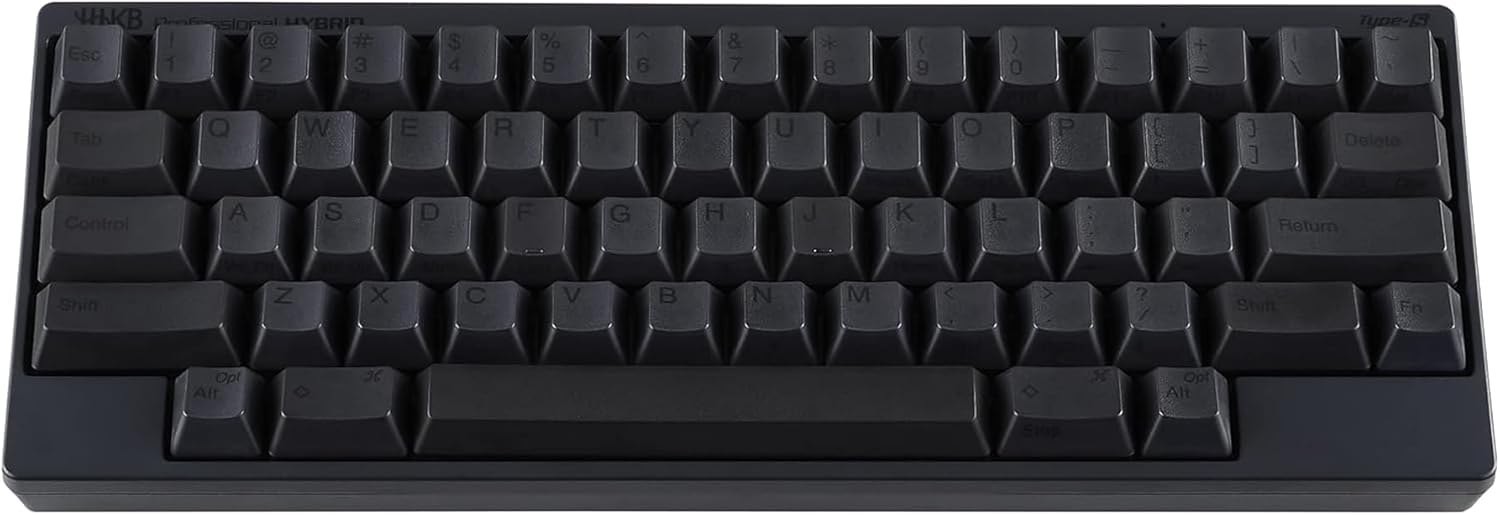
Wooting 80HE Hall Effect Keyboard
The 80% Hall Effect TKL from the company that pioneered the category — adjustable actuation, 8000Hz polling, and software depth that has quietly won over remote workers, not just gamers.
Price may vary. As an affiliate, we earn from qualifying purchases.
What we like
- Lekker L60 switches feel buttery and consistent across the board
- Per-key adjustable actuation transforms how the keyboard types
- Wootility is the most polished HE software on the market
- Aluminum case with thoughtful gasket and silicone dampening
- 8000Hz polling with rock-solid wired stability
Could be better
- Wired-only — no Bluetooth or 2.4GHz
- $249 is a serious commitment for a TKL
- Stock keycaps are fine but not exceptional at this price
Full Review
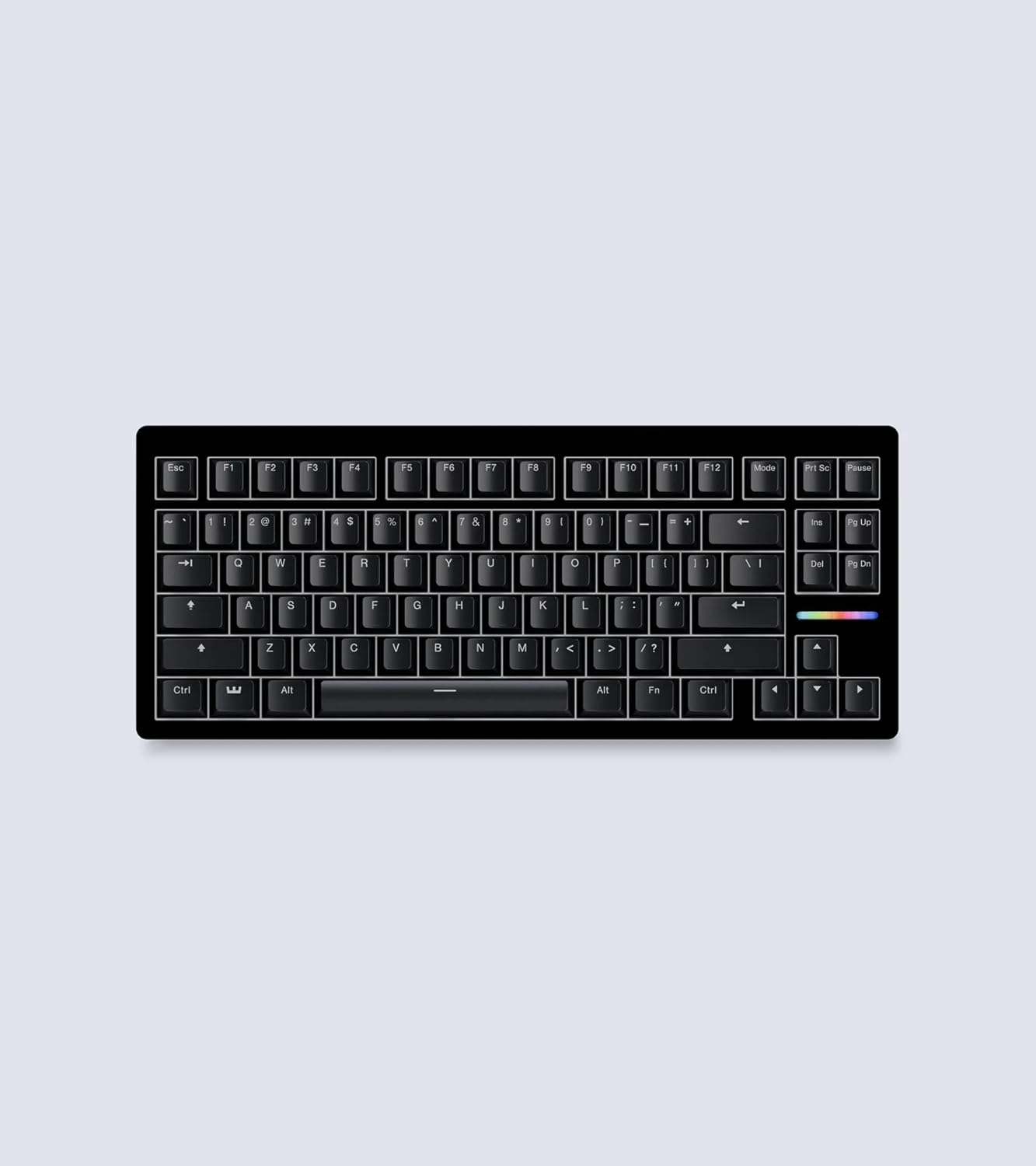
Wooting invented the consumer Hall Effect keyboard category, and the 80HE is what happens when the company that wrote the playbook builds its flagship. It’s a tenkeyless aluminum board with Lekker L60 V2 magnetic switches, 8000Hz polling, and the deepest customization software in the category. It is also, increasingly, the keyboard remote workers are buying after watching a coworker type on one.
Why HE Switches Matter for Typing, Not Just Gaming
Hall Effect switches use a magnet and sensor instead of a physical contact, which means actuation is a software setting rather than a fixed point in the keystroke. On the 80HE you can dial each key from a hair-trigger 0.1mm to a deliberate 4.0mm. For typists, the practical win is that you can set a slightly deeper actuation than a typical mechanical switch and stop bottoming out so hard. Fewer typos, less finger fatigue across a workday, and a more consistent feel than any membrane or scissor keyboard you’ve used.
Wootility Is the Differentiator
Plenty of brands now ship HE boards. None of them have software that comes close to Wootility V5. You get per-key actuation, rapid trigger, dual-key bindings, analog input mapping, and a tachyon mode that surfaces what your inputs are actually doing in real time. For a gamer this is competitive depth. For a writer or developer, it means you can quietly tune the bottom row to be less twitchy than the home row, which sounds like overkill until you spend an afternoon doing it.
80% vs the 60HE Sibling
The 60HE is cheaper and great, but the function row, arrow cluster, and dedicated nav keys on the 80HE matter for actual work. Spreadsheets, code, document editing — anything that uses arrow keys hundreds of times a day feels claustrophobic on a 60%. The TKL footprint is the sweet spot for desks where you still want a real mouse zone.
How It Compares
The Corsair Vanguard Pro 96 is more feature-stuffed and offers a numpad, but its iCUE software is heavier and the typing feel is less refined. The Keychron Q HE is a beautiful piece of hardware with hot-swap and wireless, but its software is noticeably behind Wootility. If you want the best HE typing experience and don’t need wireless, the 80HE is the answer. If you need a numpad, look at the Vanguard. If you need wireless, look at the Q HE.
Who Should Buy This
Buy the 80HE if you spend most of your day typing on a wired desk setup and want the most refined Hall Effect experience available. It’s the right pick for developers, writers, and analysts who’ve heard the gaming hype and want to know whether HE actually helps with real work — it does. Skip it if you need wireless, a numpad, or you’re new to enthusiast keyboards and would be just as happy with a $100 mechanical board.