Yeelight Monitor Light Bar RGB (Matter / Smart Home)
A monitor light bar that drops into your existing Echo or Nest setup, with 16.8M RGB colors and Razer Chroma Sync for ambient lighting on video calls.
Price may vary. As an affiliate, we earn from qualifying purchases.
What we like
- Voice control out of the box via Alexa and Google Home
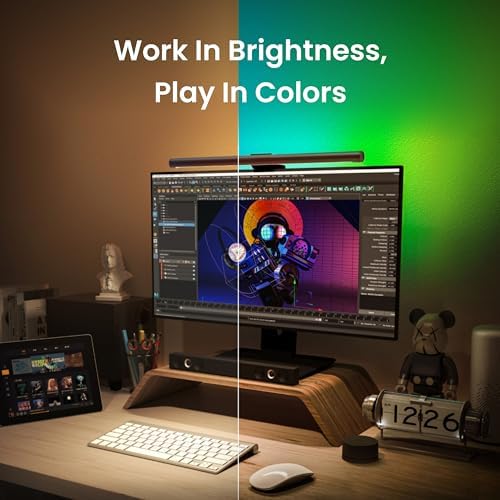
- 16.8M RGB colors with Razer Chroma Sync for ambient effects
- Adjustable color temperature (2700K–6500K) for the front task light
- USB-powered, no extra wall adapter to find an outlet for
Could be better
- Front task light optics aren't as tightly controlled as BenQ's
- App and ecosystem setup is fiddly compared to a pure plug-and-play bar
- RGB is rear ambient glow, not a productivity feature
Full Review
Most monitor light bars are dumb in the best way — they clip on, they shine warm light on your desk, and they never talk to anything else. The Yeelight Monitor Light Bar RGB takes a different path: it’s the one to buy if your office already runs on Alexa or Google Home and you want the lamp to be part of that.
The Smart Home Angle Is the Whole Point
This is a $89 light bar, and you’re paying a premium over a basic Quntis or Baseus model for one reason: it joins your existing ecosystem. Set it up in the Yeelight app, link it to your Echo or Nest, and you can say “turn off the desk light” without reaching for the touch bar.
That sounds minor until you’ve done it for a week. Voice-on at the start of the day, voice-off when you stand up to leave — it removes the one reach-over that every other bar still requires. If you don’t own a smart speaker, none of this matters and you’re overpaying.
Front Light vs. Rear RGB
There are two light systems here, and it’s worth keeping them straight. The front-facing task light is the part that actually matters for work: it spans 2700K to 6500K, has stepless dimming, and is angled to keep glare off the screen.
The rear is the 16.8M-color RGB strip with Razer Chroma Sync. On a video call it throws a soft ambient wash behind your monitor that reads well on camera. It’s a nice-to-have, not a reason to buy — and the Chroma integration is more of a gamer feature than an office one.
How the Task Light Actually Performs
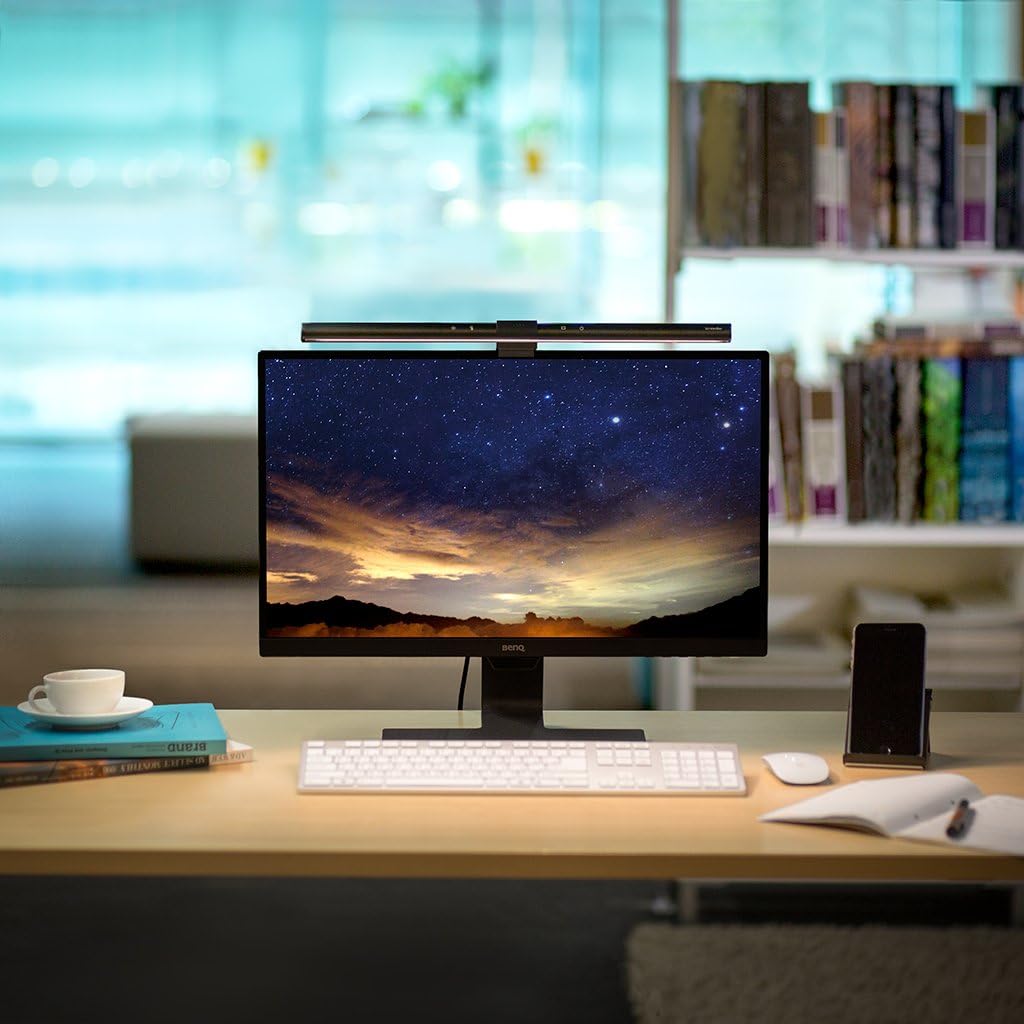
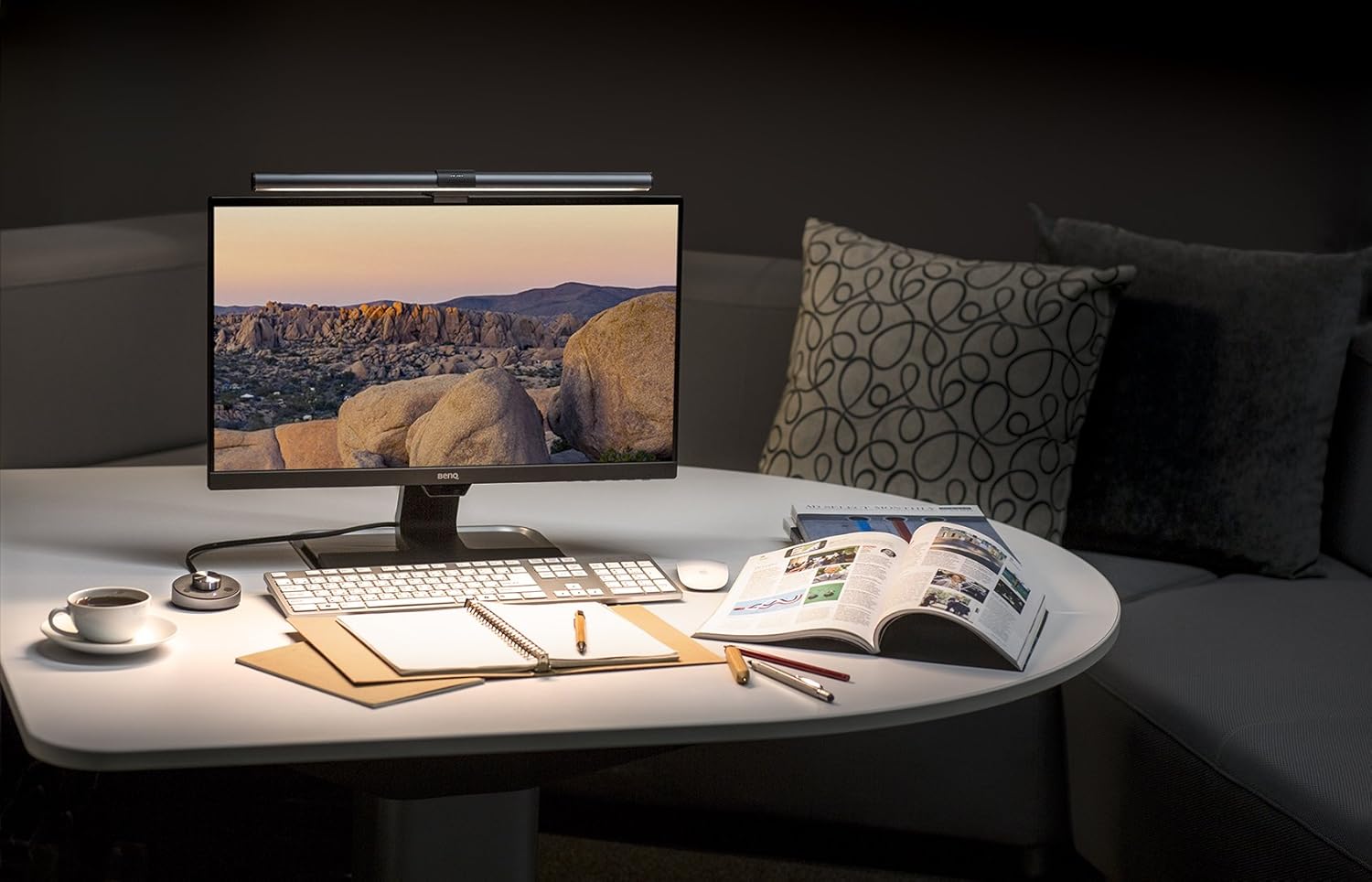
Honestly, the front optics are good but not class-leading. BenQ still controls the light cone more precisely, so you get a cleaner pool on the desk with less spill. The Yeelight is bright enough and even enough for daily work, but back-to-back you’d notice BenQ’s edge.
How It Compares
The BenQ ScreenBar Halo 2 is the better pure light — superior optics and a wireless dial — but it has no smart-home integration at all. If lighting quality is your only concern, get the BenQ. The Quntis Monitor Light Bar Pro Plus is cheaper and perfectly competent, but no RGB and no voice. And Govee’s RGBIC ambient lights do colored mood lighting far better, but they’re not a focused task bar — different tool entirely.
Who Should Buy This
Buy this if you already live in the Alexa or Google Home world and want your desk lamp to obey the same voice routines as the rest of your office. The voice-off-at-end-of-day workflow is genuinely useful, and the ambient RGB is a bonus for anyone on frequent video calls. If you don’t own a smart speaker, or you only care about the best possible task lighting, the BenQ ScreenBar Halo 2 is the smarter spend.