Best Wireless Keyboards for Mac in 2026
The best wireless keyboards for Mac in 2026, from Apple's native Magic Keyboard to Logitech's multi-device workhorses and Keychron's mechanical options — with honest takes on Mac function key support and real-world usability.
Mac keyboards are a surprisingly divisive topic. Apple’s own offering is genuinely great — until you want tactile feedback or a numpad. Third-party options have caught up fast, but Mac function key support and multi-device pairing still separate the good from the frustrating.
Here’s what actually works in 2026.
What Makes a Keyboard Good for Mac
Most wireless keyboards work fine as basic input devices on macOS. The real differentiators are:
- Native Mac function keys — volume, brightness, Mission Control, Spotlight, Do Not Disturb. Many Windows-oriented keyboards require remapping software or just don’t support these.
- Multi-device Bluetooth — switching between a MacBook and an iPad without re-pairing.
- No required software — keyboards that depend on Windows-only companion apps are a liability.
If any of those matter to you, the options below are the ones worth considering.
The Best Wireless Keyboards for Mac
Apple Magic Keyboard with Touch ID
The obvious choice, and for good reason. Every function key works perfectly out of the box, Touch ID unlocks your Mac and autofills passwords without lifting a finger, and the slim profile pairs naturally with a MacBook on a desk. Battery life is exceptional — weeks between charges over USB-C.
The downsides are real: it’s low-profile with very little key travel, there’s no mechanical option, and it doesn’t support multi-device pairing. If you only use one Mac and prefer a flat typing feel, nothing beats it. See the Apple Magic Keyboard with Touch ID page for specs and pricing.
Logitech MX Keys S — Best Third-Party Option
The Logitech MX Keys S is the strongest all-around pick for Mac users who want more than Apple offers. It ships with a dedicated Mac layout (or a multi-OS version with Mac-specific function keys via Logi Options+), connects to up to three devices via Bluetooth or the USB receiver, and has a backlit, low-profile typing feel that’s noticeably better than the Magic Keyboard.
Logi Options+ is a well-maintained macOS app — this isn’t the abandoned Windows-first software situation you’ll find with other brands. The MX Keys S adds a few tweaks over the standard MX Keys, including tweaked actuation and a more refined scroll wheel on the companion mouse.
For a smaller footprint — same layout minus the numpad — the Logitech MX Keys Mini is worth a look. It adds a USB-C port and drops the number row, which works well for MacBook users who don’t need the full layout.
Keychron K8 Pro — Best Mechanical Option
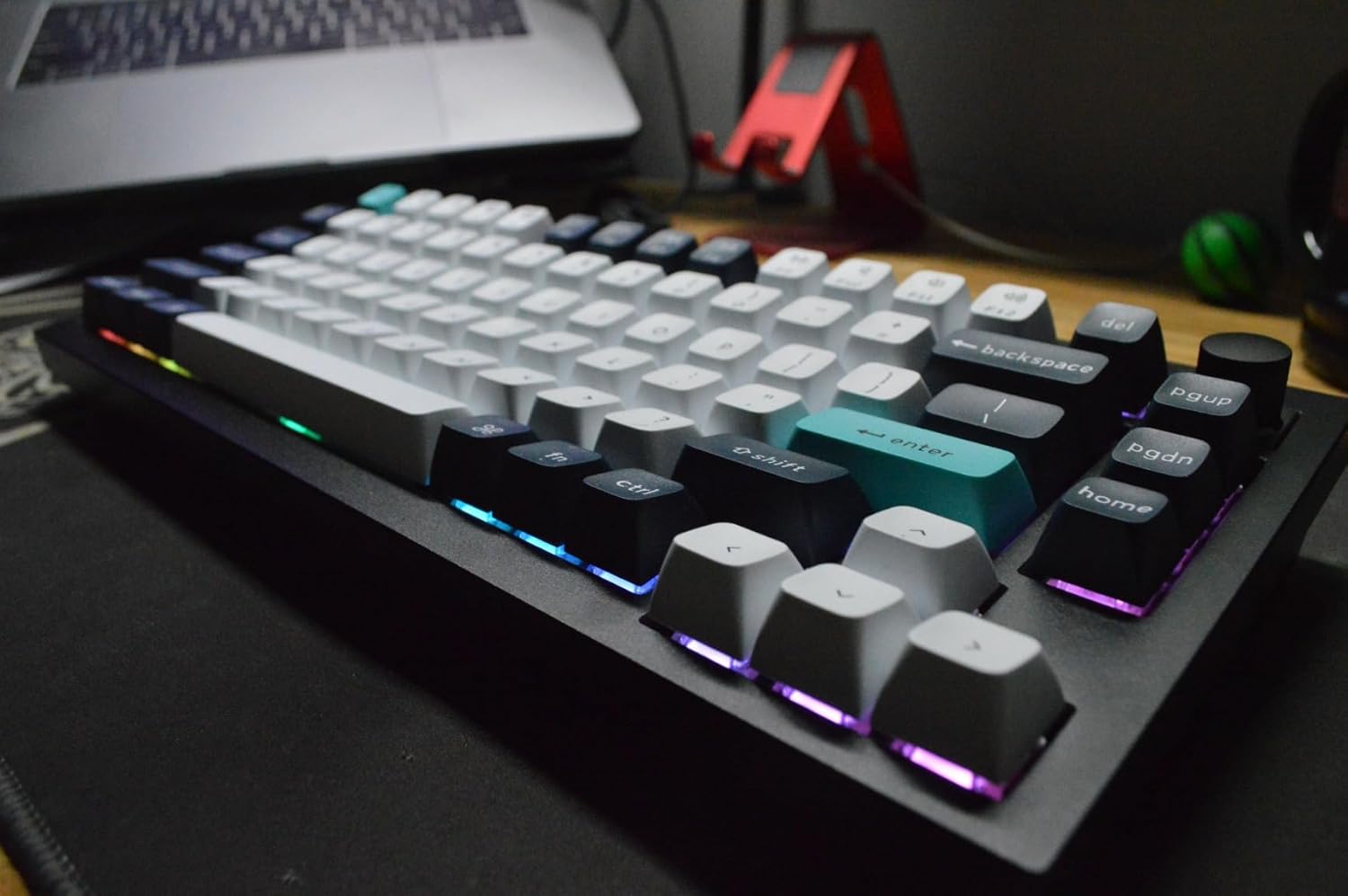
If you want mechanical switches with proper Mac support, the Keychron K8 Pro is the right call. It ships in a Mac layout with Mac-specific keycaps, supports hot-swappable switches (Gateron, Keychron, or your own), and connects over Bluetooth 5.1 or USB-C. You can toggle between Mac and Windows modes with a hardware switch on the side.
The K8 Pro is tenkeyless (no numpad), which keeps the footprint reasonable. Battery life is solid at around 4,000mAh — expect weeks on Bluetooth with backlighting off, days with RGB cranked up. Function key support is handled through a dedicated Mac mode, not software.
The tradeoff: it’s thicker and heavier than anything else on this list, and mechanical keyboards aren’t for everyone in open offices.
How to Choose
Just want it to work with zero setup: Get the Apple Magic Keyboard with Touch ID. Native integration is unmatched, and Touch ID alone justifies the price if you’re on Apple Silicon.
Want multi-device switching and a better typing feel: The MX Keys S is the move. Compact desk? Go with the MX Keys Mini instead.
Want mechanical switches and don’t mind the bulk: Keychron K8 Pro. It’s the only mechanical keyboard in this tier with genuine Mac-first support.
Avoid budget Bluetooth keyboards that don’t ship with a Mac layout — remapping F-keys and losing brightness controls is a friction you’ll notice every day.