Baseus i-Wok Pro Asymmetric Monitor Light Bar
A sub-$50 asymmetric monitor light with Ra97 LEDs and stepless tuning that punches well above its price class.
Price may vary. As an affiliate, we earn from qualifying purchases.
What we like
- Ra97 high-CRI LEDs render colors accurately
- Asymmetric optics keep light off the screen
- Stepless 3000–6500K color temperature
- USB-C powered with capacitive touch controls
- Fits 5–40mm bezels including curved monitors
Could be better
- No app control or smart home integration
- No presence detection or auto-dimming
- Touch controls lack tactile feedback
Full Review
Monitor light bars used to be a BenQ-or-bust category. The ScreenBar Halo still sets the ceiling at around $200, but the Baseus i-Wok Pro proves you don’t need to spend that much for the core experience. At $39.99, it delivers the two things that actually matter — accurate light and no screen reflection — and skips the smart features most people never touch.
Build and Mounting
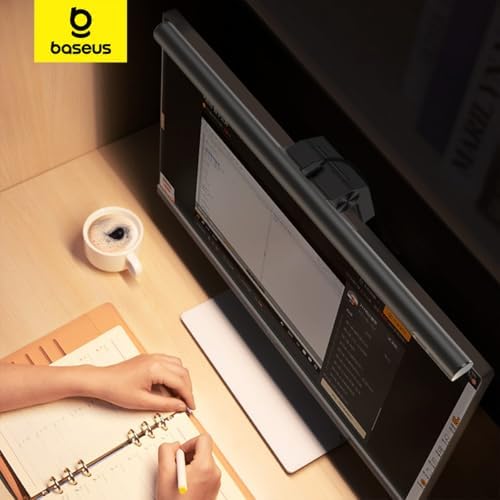
The clamp uses a counterweighted hinge that grips bezels from 5mm all the way up to 40mm, which means it handles thin OLEDs and chunky old IPS panels equally well. Curved monitors aren’t a problem. The aluminum housing feels solid for the price — not BenQ-tier, but nothing about it suggests $40.
USB-C power is the right call in 2026. You can run it off a monitor downstream port, a hub, or a wall adapter without hunting for a proprietary cable.
Light Quality
This is where Baseus quietly competes with the premium bars. The Ra97 LEDs render skin tones, prints, and product samples without the greenish cast you get from cheaper Amazon lights. Stepless dimming from 3000K to 6500K lets you dial in warm task light at night or daylight-balanced light for video calls.
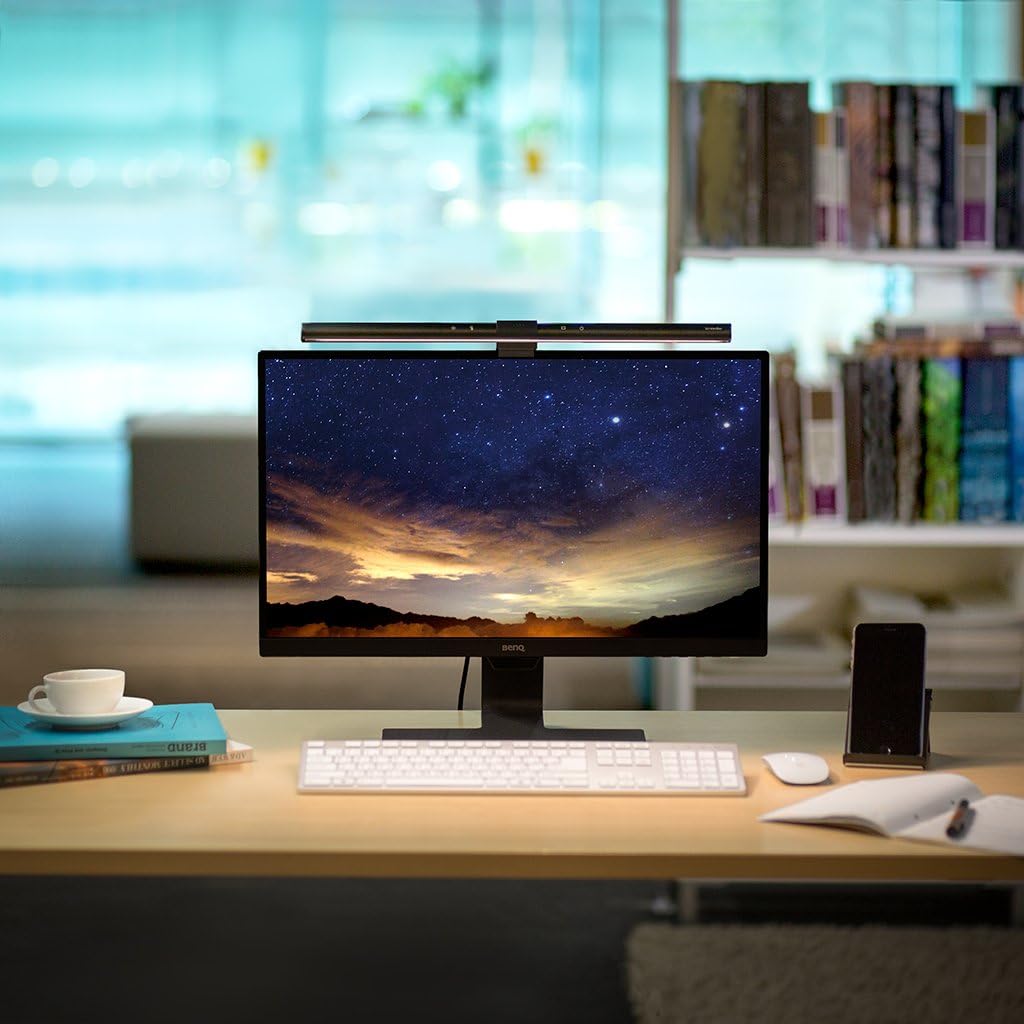
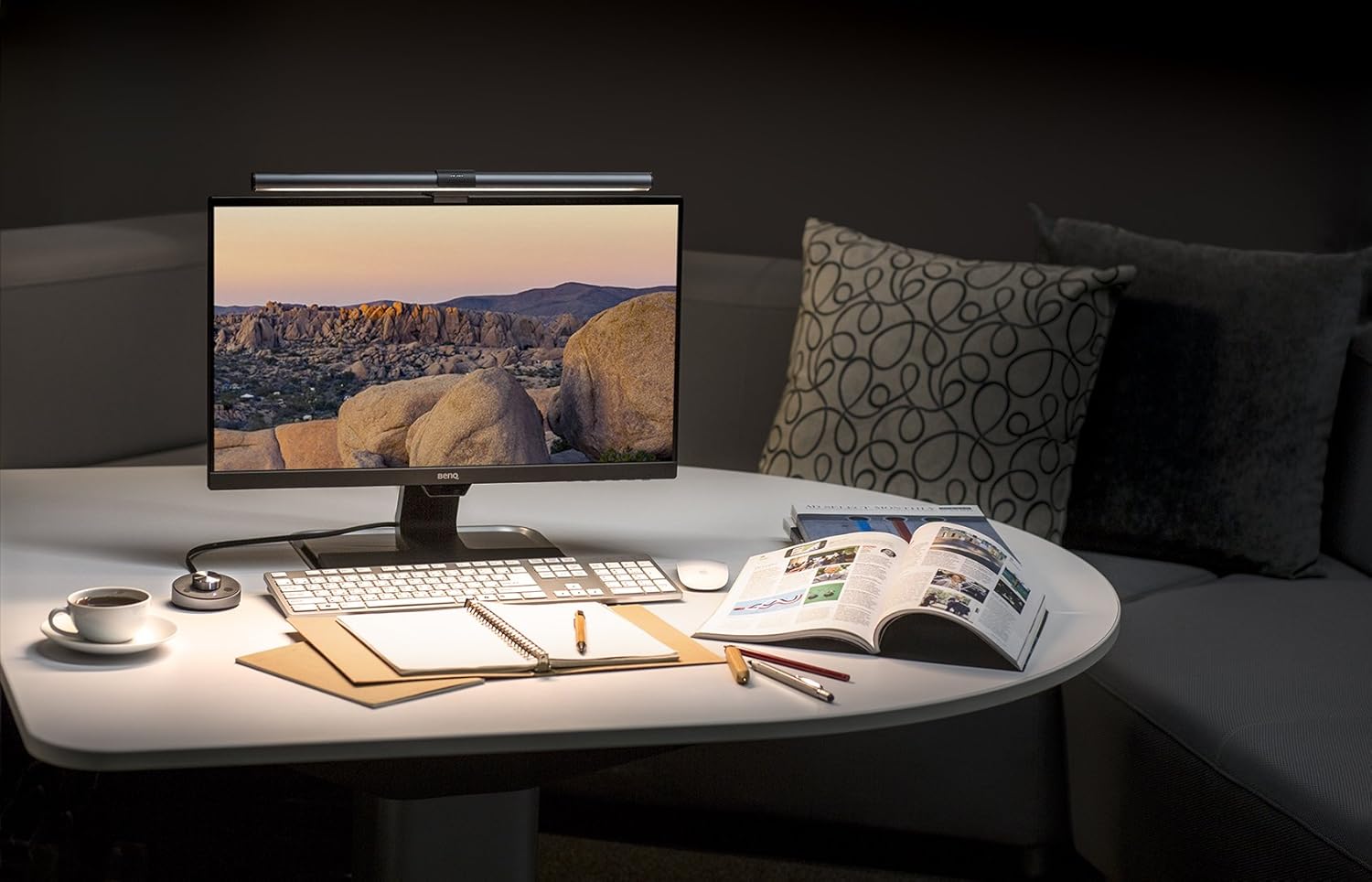
The asymmetric optic is the actual point of a monitor bar. Light goes forward onto the desk and keyboard, not backward into the screen. The i-Wok Pro nails this — no reflection, no glare wash on glossy panels.
What You Give Up vs. BenQ ScreenBar Halo
The Halo costs roughly 4x as much and adds three things: a wireless remote puck, an ambient light sensor that auto-adjusts brightness, and a backlight that washes the wall behind the monitor. The Baseus has none of these.
If you’re a content creator who needs auto-balanced lighting for varying daylight, the Halo earns the upgrade. For everyone else, the capacitive touch strip on the Baseus does the same job with one extra reach.
Daily Use
Capacitive controls sit on top of the bar — slide for brightness, slide for temperature, tap to toggle. They work fine but lack the satisfying feedback of the BenQ puck. After a week you stop noticing.
Who Should Buy This
Buy the Baseus i-Wok Pro if you want proper asymmetric task lighting for a home office without paying ScreenBar money. It’s the best sub-$50 monitor light for plain office work, coding, and reading. If you need app control, smart home integration, or auto-adjusting brightness for variable lighting conditions, step up to the BenQ ScreenBar Halo instead.