Logitech Brio 4K Pro Webcam
A 4K webcam with HDR, Windows Hello support, and adjustable field of view — still the benchmark USB webcam for serious home offices.
Price may vary. As an affiliate, we earn from qualifying purchases.
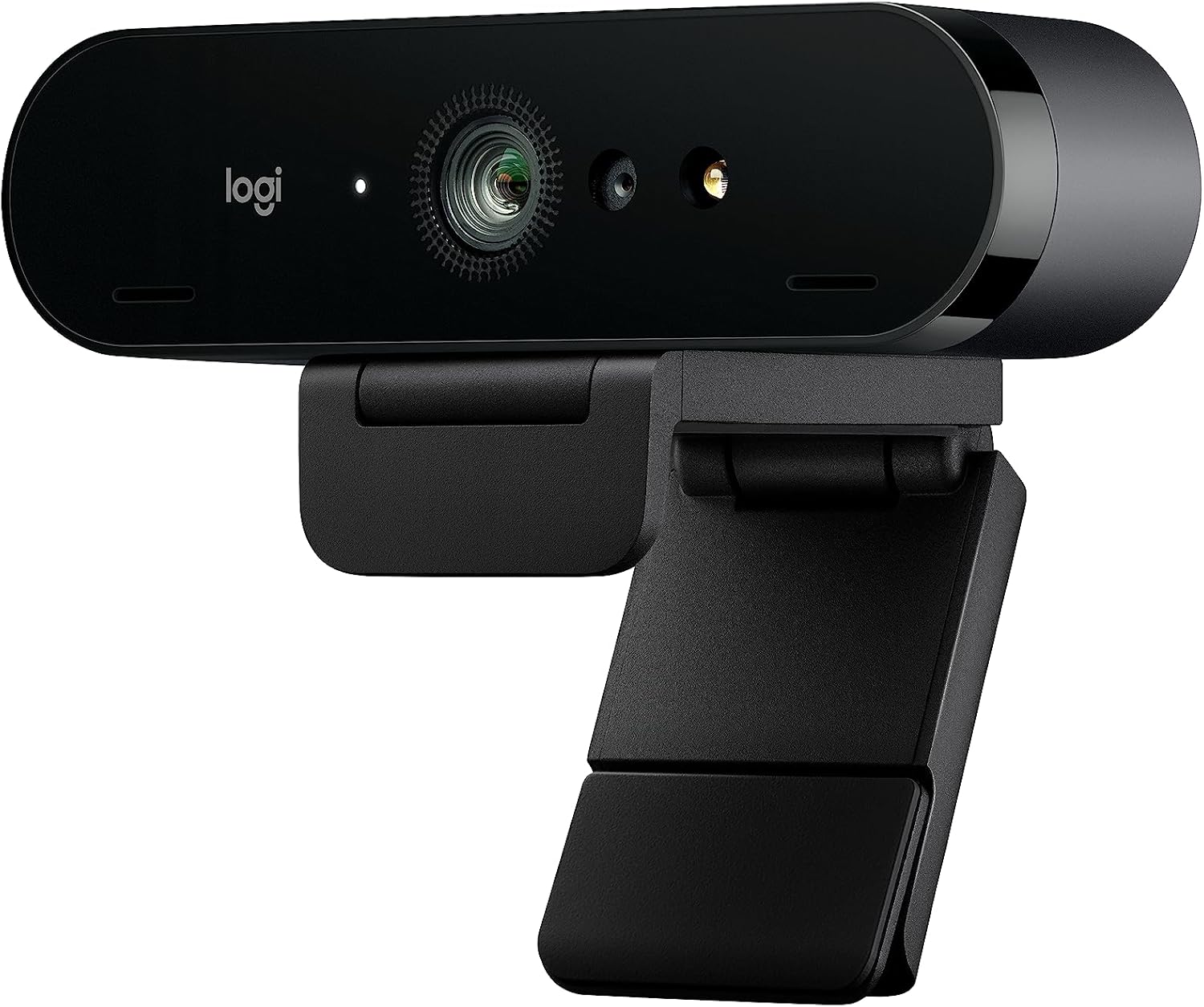
What we like
- True 4K/30fps video with sharp detail and accurate color
- HDR handles mixed lighting better than any webcam in its class
- Three field-of-view options (65°, 78°, 90°) for different setups
- Infrared sensor enables Windows Hello face unlock
Could be better
- Price premium over 1080p webcams is hard to justify if you only do video calls
- Logitech's G Hub / Logi Tune software is clunky on both Windows and macOS
- No auto-framing or tracking found on newer webcams
Full Review
The Brio has been around long enough that newer Logitech models (the MX Brio, Brio 500, 300) have launched on top of it — but the original Brio 4K Pro is still the webcam I recommend when someone asks for the best USB camera for a home office. It’s the one that nails the fundamentals without getting cute about it.
Image Quality
4K at 30fps is the headline, but the more useful mode is 1080p at 60fps — smoother motion for video calls where nobody’s downloading the full 4K stream anyway. Colors are neutral out of the box, which means they actually look like you instead of the oversaturated magenta that cheap webcams produce. HDR (Logitech calls it RightLight 3) is the real differentiator: sit in front of a bright window and the Brio exposes your face correctly while keeping the window from blowing out. Most webcams just make you a silhouette.
Field of View and Framing
You get three FOV options: 65° for tight head-and-shoulders, 78° for standard, and 90° for wide shots showing your full desk or a small group. Switch in Logi Tune. Combined with the 5x digital zoom, you can frame the shot you actually want — most webcams lock you into one cropped view and that’s it.
Windows Hello and Build
The infrared sensor enables Windows Hello face unlock, which is genuinely faster than typing a password every morning. The body is a solid aluminum strip, and the included monitor clip is rigid enough that the camera doesn’t wobble when you bump the desk. A tripod thread on the bottom means you can mount it on an arm or clip if you want it off the monitor entirely.
Software Quirks
Logi Tune (Mac) and G Hub (Windows) are where you adjust FOV, exposure, and color. Both apps are slow to launch and occasionally fail to detect the camera until you replug it. Set your preferences once, then ignore the software — the camera remembers settings even when the app isn’t running.
Who Should Buy This
Get the Brio 4K if you’re on video calls daily, sit in a room with inconsistent lighting, and want one webcam that will still be good in five years. If you’re only doing occasional Zoom calls in a well-lit room, a 1080p webcam will serve you fine for less money. And if you specifically want auto-framing that follows you around the frame, look at the MX Brio or an Insta360 Link instead.


