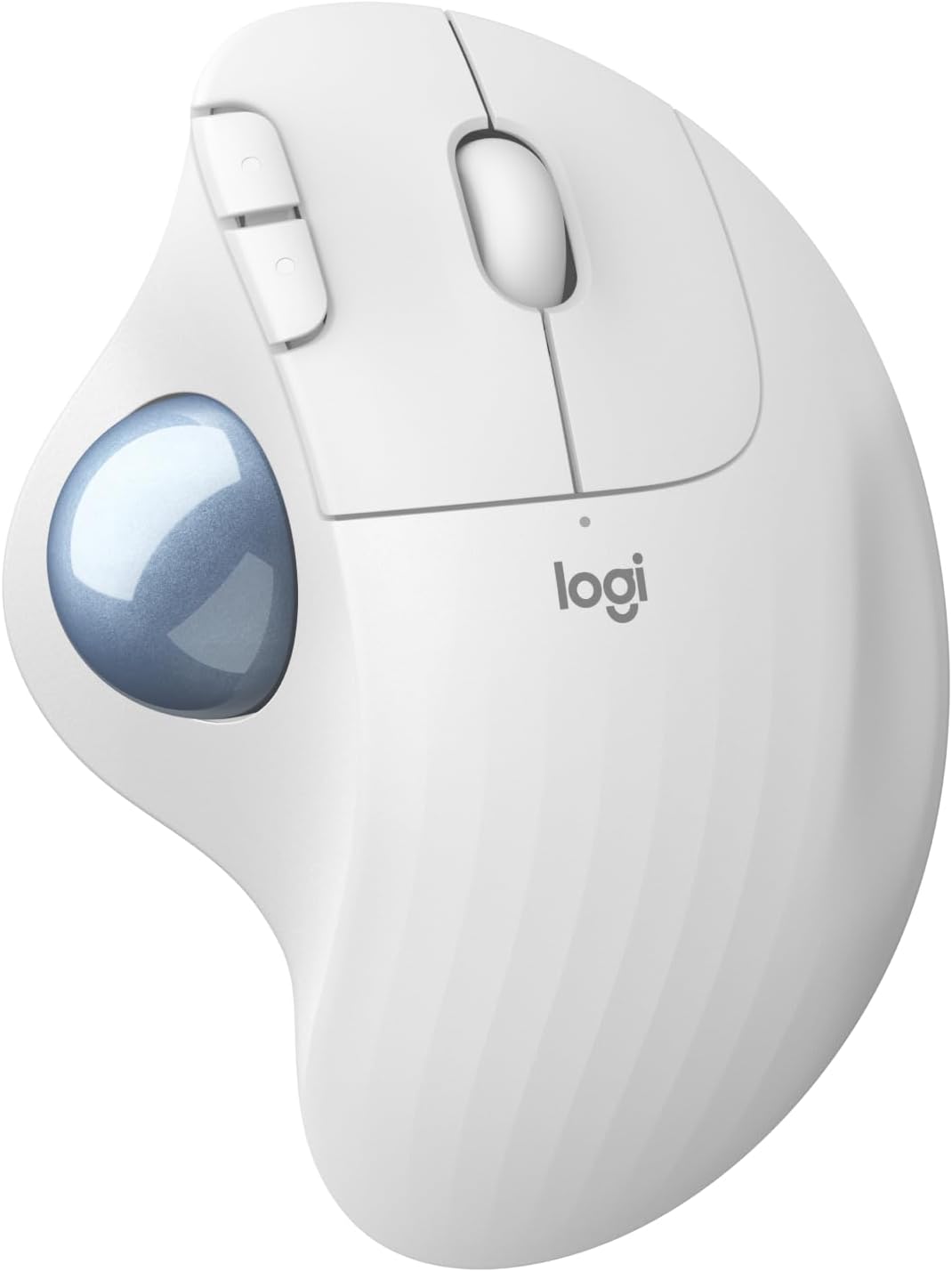
Logitech M575 Wireless Trackball Mouse
Logitech's budget-friendly thumb trackball delivers 24-month battery life and dual wireless connectivity at roughly half the price of the MX Ergo.
Price may vary. As an affiliate, we earn from qualifying purchases.
What we like
- Excellent value for a brand-name trackball under $50
- 24-month battery life on a single AA
- Bluetooth and 2.4GHz USB dongle both included
- Stationary design saves desk space and reduces arm strain
Could be better
- No tilt angle adjustment like the pricier MX Ergo
- Ball needs occasional cleaning to stay smooth
- Only five buttons — power users may want more
Full Review
The Logitech M575 is the trackball I recommend when someone asks for an entry point into thumb-operated pointing without spending MX Ergo money. At around $50, it gets you the core trackball experience — a stationary device, reduced wrist movement, and a precise thumb-controlled ball — without the adjustable tilt plate or rechargeable battery of its flagship sibling.
Build and Ergonomics
The M575 is a chunky, contoured puck with a 34mm ball sitting on the left side for your thumb. The shape is right-hand only, and the palm support is generous enough for all-day use. Plastic quality is middle-of-the-road — it’s clearly cheaper than the MX Ergo, but nothing feels flimsy. The rubberized thumb rest holds up well over time.
The fixed 20-degree angle is the biggest ergonomic compromise versus the MX Ergo’s adjustable hinge. For most people this is fine, but if you have specific wrist issues, the lack of tilt adjustment is worth noting before you buy.
Wireless and Battery
Dual connectivity is the M575’s unsung hero. You get a 2.4GHz USB-A receiver for plug-and-play use, or Bluetooth for laptops without spare USB ports. Switching between them isn’t as slick as Logi Options+ device-hopping on the MX Ergo, but it works.
Battery life is genuinely excellent. A single AA lasts roughly 24 months of normal use — I’ve gone over a year on one battery in testing. That’s a real advantage over rechargeable rodents that need a cable every few weeks.
Tracking and Daily Use
The 400-2000 DPI optical sensor tracks cleanly once you’ve adjusted to thumb control. Expect a few days of clumsy pointing before muscle memory kicks in. Once it does, the space savings and reduced arm fatigue are noticeable — especially on a crowded desk where a regular mouse runs out of room.
Scroll wheel is tactile rather than free-spinning, with no horizontal tilt. Five total buttons including two thumb buttons covers the basics but won’t satisfy anyone who lives in Logitech’s advanced customization ecosystem.
Who Should Buy This
Get the M575 if you want to try a trackball without committing to the $100+ MX Ergo, or if you need a space-saving pointer for a cramped desk. It’s also a solid pick for anyone whose wrist hurts from traditional mouse movement but doesn’t need a fully adjustable ergonomic setup. If you want tilt adjustment, rechargeable battery, and multi-device switching, spend the extra money on the MX Ergo instead.


