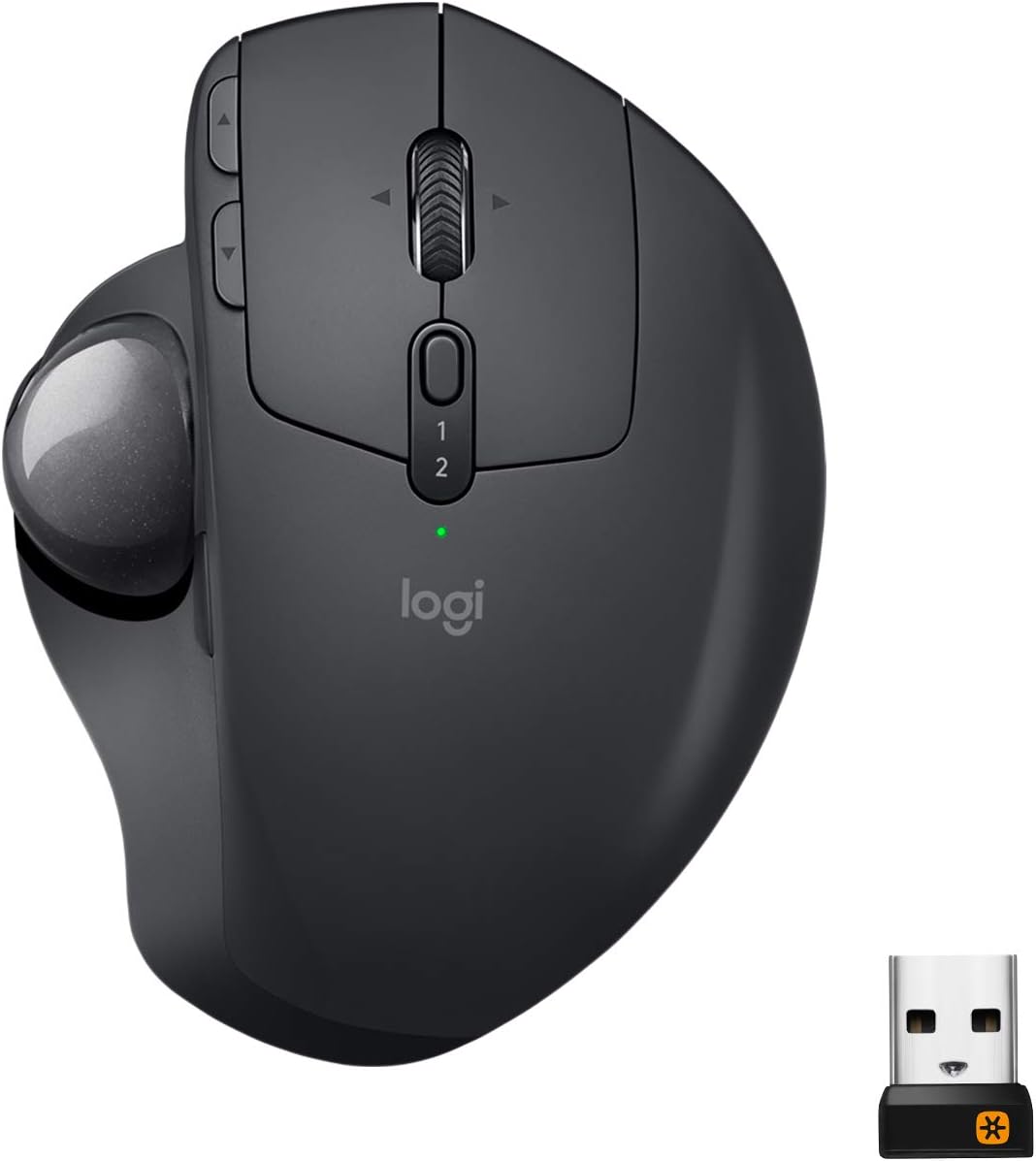
Logitech MX Ergo Wireless Trackball Mouse
An adjustable-angle wireless trackball that cuts wrist movement to near zero — a genuine RSI-saver for long workdays.
Price may vary. As an affiliate, we earn from qualifying purchases.
What we like
- 20-degree adjustable hinge reduces forearm strain noticeably
- Thumb-operated ball means your wrist barely moves all day
- Bluetooth plus Unifying receiver — pairs with two devices
- Four-month battery life per charge in real use
Could be better
- Steep learning curve — expect a rough first week
- Ball needs occasional cleaning to stay smooth
- Heavier and bulkier than a standard mouse
Full Review
The MX Ergo is the mouse you buy when your wrist hurts and you’ve run out of other ideas. It’s a thumb-operated trackball with a tilt hinge, and after a bruising adjustment period, it genuinely changes how your hand feels at the end of a workday.
Build Quality
The MX Ergo is dense and rubberized, with a matte thumb rest that your palm sinks into. The metal hinge plate underneath snaps between flat and 20 degrees with real authority — no wobble, no creak. The ball pops out from the bottom with a gentle push for cleaning, which you’ll want to do every few weeks.
The Tilt Is the Point
Flat, it’s a regular trackball. Tilted, your forearm rotates into a near-handshake position that takes pressure off the ulnar side of your wrist. Logitech claims 20% less muscular strain, and while I can’t measure that, I can say my right wrist stopped clicking audibly after two weeks on this thing. That’s not nothing.
Daily Use
The first three days are rough. Dragging windows, selecting text, and hitting small UI targets all feel clumsy while your thumb learns the geometry. By day seven you’re faster than you were on a normal mouse for most tasks. Precision work — Figma, Photoshop, fine-grained selections — stays harder, and the 440 DPI ceiling is lower than serious designers will want.
The scroll wheel tilts left and right, the Easy-Switch button jumps between two paired devices, and the precision-mode button drops DPI for fiddly work. Battery genuinely lasts months.
Who Should Buy This
Buy the MX Ergo if you have wrist pain, RSI, or tendinitis and need to stop moving your arm across the desk all day. It’s also a strong pick if you’re cramped on a small desk where a traditional mouse needs more runway than you have.
If you do pixel-perfect design work, skip it — the DPI and precision trade-offs aren’t worth it. If you’re just tired of your current mouse and curious about trackballs, consider the Logitech Ergo M575 instead at a third of the price. The MX Ergo is for people who need the tilt.


