Quntis Monitor Light Bar Pro+ with Remote
The consensus BenQ ScreenBar alternative — about 80% of the experience for 40% of the price, with auto-dimming and a wireless remote.
Price may vary. As an affiliate, we earn from qualifying purchases.
What we like
- Wireless remote handles brightness, color temperature, and auto-dimming without leaning across the desk
- Asymmetric optics keep light off the screen with zero visible glare
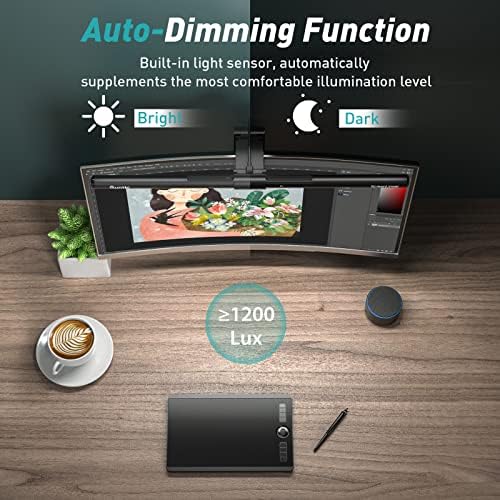
- Built-in ambient light sensor adjusts brightness to match the room
- Weighted clip fits monitors from 0.12" to 2.36" thick, including curved panels
- Roughly 40% the price of the BenQ ScreenBar Halo
Could be better
- No biased backlight — pure front lighting only
- Build feels lighter and more plastic than BenQ
- Remote runs on a coin cell, not USB-rechargeable
Full Review
The Quntis Pro+ is the light bar people buy when they’ve already decided they want a BenQ ScreenBar but can’t justify spending $130+ on a desk lamp. It nails the core job — even, glare-free task lighting across a wide monitor — and throws in a wireless remote that’s genuinely useful.
Light Quality and Glare Control
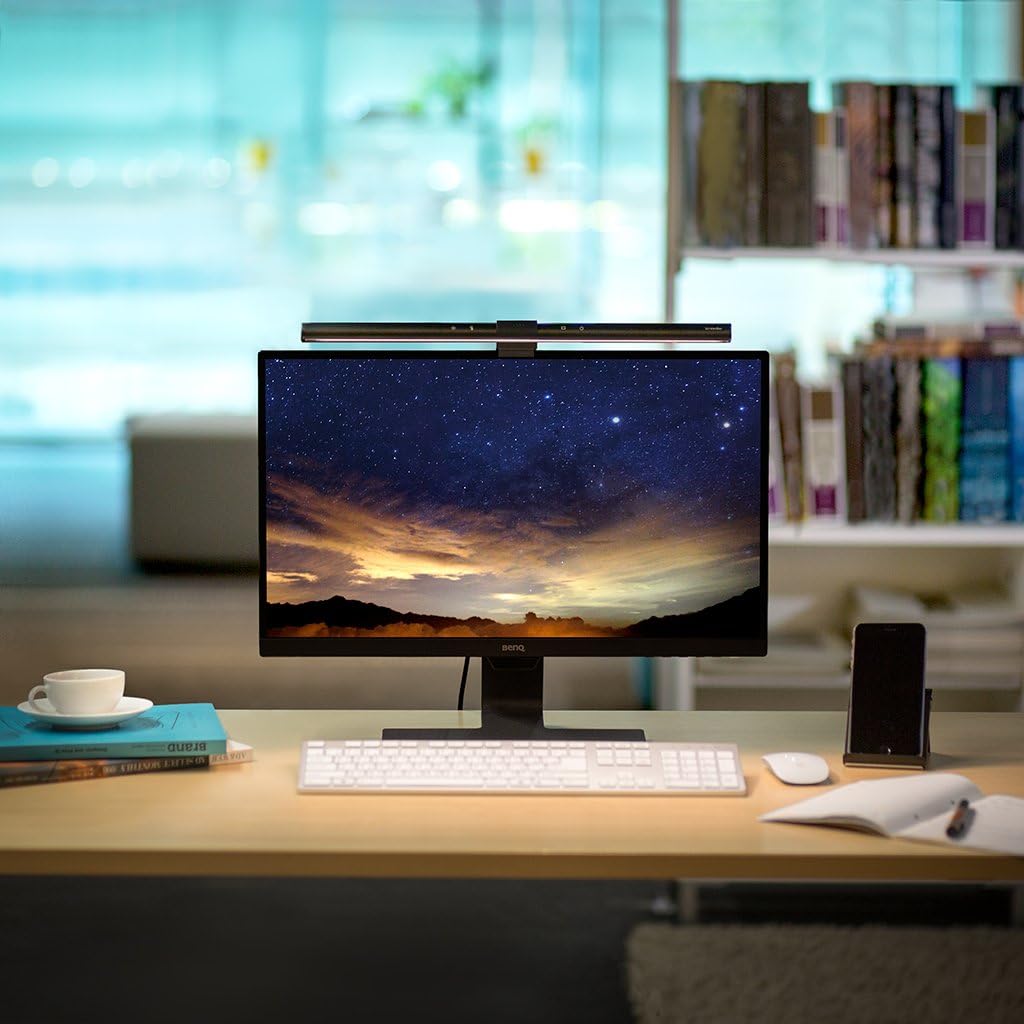
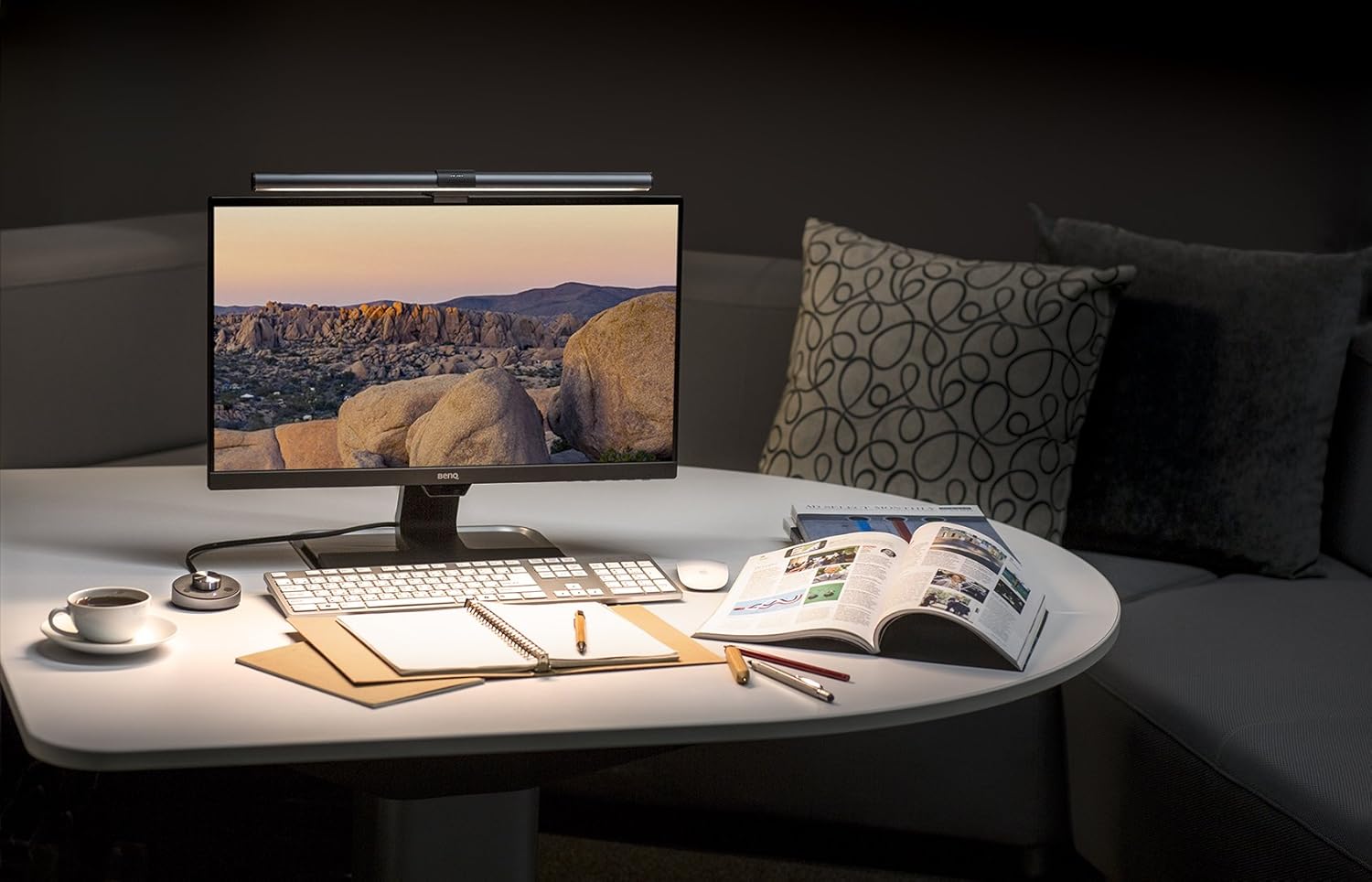
The asymmetric reflector design works exactly as advertised. Point it at the screen and you get nothing — no reflections, no washout, no halo around the bezel. The pool of light it casts on the desk is wide enough to cover a full keyboard tray and a notebook beside it, and the color rendering at Ra95 is high enough that paper documents and skin tones look natural on video calls.
Stepless dimming runs from a soft warm 3000K up to a clinical 6500K, and the transitions are smooth rather than stepped. The auto-dimming sensor is the feature that separates this from cheaper Quntis models — double-tap the remote and it picks a brightness that matches the ambient room light, which is the right answer 90% of the time.
The Remote Is the Killer Feature
This is where the Pro+ pulls ahead of most competitors at this price. The remote is small, magnetic, and handles every setting without making you fumble for a touch panel hidden behind your monitor. Brightness, color temperature, on/off, auto-dim, and a 2-hour break timer are all one button away.
If you’ve ever used a BenQ ScreenBar (non-Halo) and reached for the integrated dial, you know how mildly annoying it is. The Quntis remote solves that.
How It Stacks Up vs. BenQ
The honest comparison: the BenQ ScreenBar Halo has a biased backlight (the rear-facing glow), better build quality, and a more refined dial puck. The Quntis Pro+ does not have a backlight at all. If you want bias lighting behind your monitor, this isn’t the bar — get the BenQ Halo or pair this with a separate LED strip.
For pure front task lighting, though, the gap is small. Light spread, glare control, and color accuracy are all within a hair of BenQ. You’re paying ~$60 less for a slightly lighter-feeling product that performs nearly identically at the surface where it matters.
Who Should Buy This
Buy the Quntis Pro+ if you want a real glare-free monitor light bar without paying BenQ prices, and you don’t care about biased backlighting. It’s the right call for readers, writers, and anyone doing paper-based work at a desk under $150 of total lighting budget. If you specifically want bias lighting behind the monitor for movie watching or gaming ambiance, skip this and get the BenQ ScreenBar Halo 2 instead.