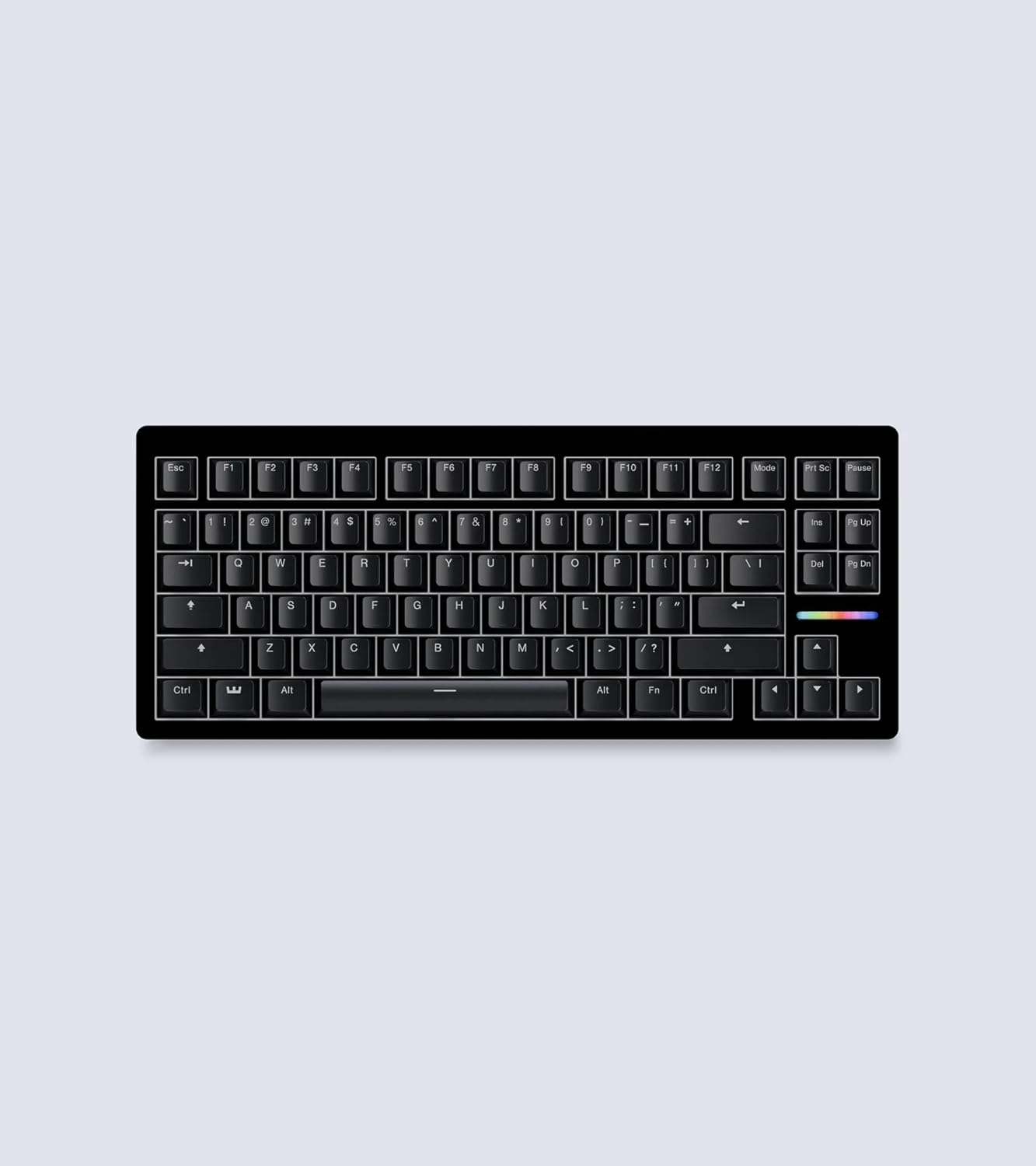
Vissles V84 Wireless Mechanical Keyboard
A budget-friendly 75% wireless mechanical keyboard with hot-swap sockets, tri-mode connectivity, and a wrist rest in the box for under $120.
Price may vary. As an affiliate, we earn from qualifying purchases.
What we like
- Hot-swappable sockets at a sub-$120 price
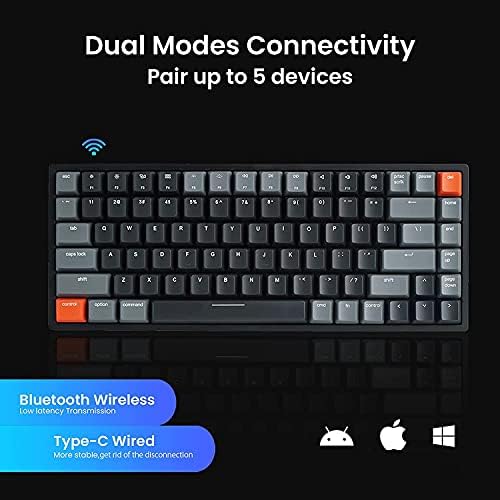
- Tri-mode connectivity pairs with up to three Bluetooth devices
- Wrist rest included — rare at this tier
- Mac and Windows keycaps in the box, full RGB per-key lighting
Could be better
- ABS keycaps feel cheaper than the PBT sets on premium rivals
- Software for RGB and macros is Windows-only and feels dated
- No knob, no screen, no display gimmicks if those matter to you
Full Review
The Vissles V84 sits in an awkward but useful spot: cheaper than a Keychron K2 Pro, more capable than the entry-level wireless boards from Royal Kludge or Redragon, and one of the few keyboards under $120 that ships with hot-swap sockets and a wrist rest in the same box. For shoppers who want to dip a toe into mechanical keyboards without committing $200, it earns the look.
Build And Typing Feel
The case is plastic with a metal top plate, which keeps the weight reasonable but lets the board flex if you press down hard on the corners. Typing feel depends entirely on which switches you pick — the Gateron Browns are the safest pick for a shared office, the Reds are smoother for gaming, and the Blues are loud enough that your roommate will have opinions.
Stabilizers are the weak point. They rattle out of the box on the spacebar and enter key. Fifteen minutes with a drop of dielectric grease fixes it, but at this price point a quieter factory tune would be nice.
Wireless And Battery
Bluetooth 5.1 with three-device pairing works the way you’d expect — Fn+1/2/3 swaps between a laptop, an iPad, and a phone with about a one-second handoff. The 4000 mAh battery genuinely lasts the claimed week-plus with backlighting off. Turn the RGB on at full brightness and you’ll be hunting for the USB-C cable in two or three days.
Hot-Swap And Customization
This is the headline feature. Pull a keycap, pull a switch, drop a new one in. No soldering, no warranty fuss. If you’ve ever wanted to try linears, tactiles, and clickies on the same board across a few months, the V84 makes that a $20-per-experiment proposition instead of a new keyboard each time.
The included Vissles software is functional for RGB and macros but Windows-only and noticeably less polished than VIA or QMK. Mac users are stuck with the onboard Fn-layer shortcuts, which cover the basics but won’t satisfy tinkerers.
Who Should Buy This
Buy the V84 if you want hot-swap and tri-mode wireless under $120 and you’re willing to live with ABS keycaps and rattly stabilizers until you mod them. If you want a more refined out-of-the-box experience with PBT keycaps and better software, spend the extra $40 on a Keychron K2 Pro or V2 Max instead. If you don’t care about hot-swap at all, the cheaper Keychron K3 is a thinner, lighter alternative for similar money.