Dell UltraSharp U2724DE 27" QHD Thunderbolt 4 Hub Monitor
A 27-inch 1440p IPS Black panel at 120Hz with a 90W Thunderbolt 4 hub and built-in KVM — the default productivity monitor for hybrid workers who don't need 4K.
Price may vary. As an affiliate, we earn from qualifying purchases.
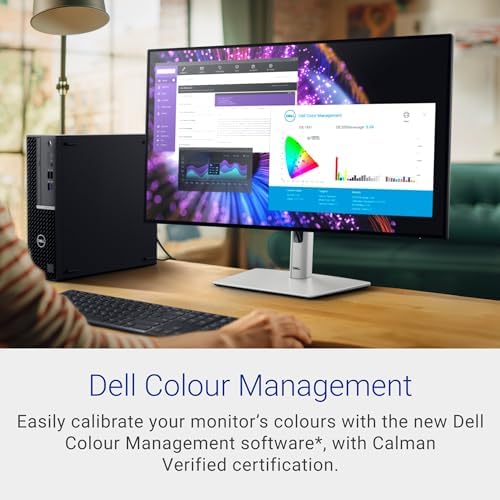
What we like
- IPS Black panel hits 2000:1 contrast — deeper blacks than any standard IPS at this price
- Thunderbolt 4 hub charges a laptop at 90W over a single cable
- Built-in KVM swaps keyboard and mouse between two machines
- 120Hz refresh makes scrolling and window-dragging noticeably smoother than 60Hz panels
- Full ergonomic stand: height, tilt, swivel, and pivot to portrait
Could be better
- 1440p on a 27" panel is sharp but not 4K-sharp — text purists will notice
- Glossy IPS Black coating shows reflections more than older matte UltraSharps
- No HDR worth mentioning — peak brightness tops out around 350 nits
Full Review
The U2724DE is what Dell’s UltraSharp line was always supposed to be: one cable from a laptop, every port you need on the back of the monitor, and a panel that’s actually pleasant to look at all day. It’s not the flashiest monitor in Dell’s lineup, but it’s the one most hybrid workers should actually buy.
IPS Black Is the Real Upgrade
The headline spec is the IPS Black panel, which delivers a 2000:1 contrast ratio — double what a standard IPS panel manages. In practice that means blacks look black instead of dark gray, and dark UI themes stop looking washed out. It’s not OLED, but it’s the first IPS technology in years that meaningfully closes the gap with VA contrast without sacrificing viewing angles. Factory calibration covers 99% sRGB and 95% DCI-P3, which is enough for serious photo work and overkill for spreadsheets.
The Thunderbolt 4 Hub Earns Its Keep
A single TB4 cable from your laptop gets you video, 90W of charging, a 2.5GbE wired network connection, and a hub of USB-A and USB-C ports. Plug in your webcam, keyboard, mouse, and external SSD once and never touch them again — your laptop docks and undocks with one cable. The built-in KVM lets a second machine share the same keyboard and mouse, which is the feature that makes this monitor a personal-laptop-plus-work-laptop setup in a way most displays can’t match.
1440p at 120Hz Hits the Sweet Spot
The resolution debate matters less than people pretend. At 27 inches and normal viewing distance, 1440p is sharp enough that you stop noticing pixels, and 120Hz makes everything from scrolling code to dragging windows feel smoother than a 60Hz 4K panel. If you do detailed photo retouching or stare at tiny text all day, the U2725QE 4K version is worth the upgrade. For everyone else, 1440p is the right call — and it leaves your laptop’s GPU plenty of headroom.
Who Should Buy This
Hybrid workers and remote employees who want one cable to their laptop, a clean desk, and a panel that looks great with both dark-mode IDEs and color-critical work. If you split time between a personal and work machine, the KVM alone is worth the asking price. Skip this if you’re a 4K text snob (get the U2725QE instead) or if you mostly play games and need 144Hz+ with adaptive sync.


