Insta360 Link 2C 4K AI Webcam
A 4K AI webcam with a 1/2-inch sensor and software-based tracking — the middle ground between the MX Brio and the gimbaled Link 2.
Price may vary. As an affiliate, we earn from qualifying purchases.
What we like
- Large 1/2-inch sensor delivers detail and low-light performance most webcams can't touch
- AI auto-framing and gesture control work reliably in Zoom, Teams, and OBS
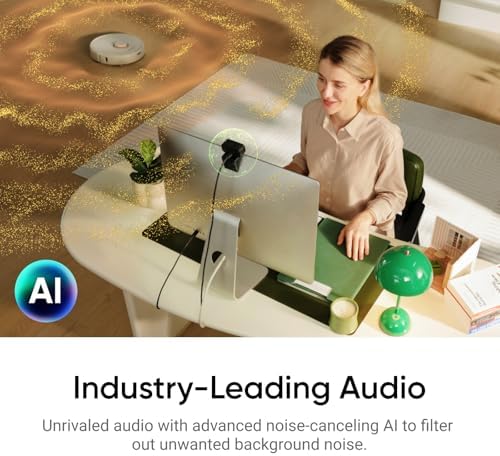
- Directional noise-canceling mics are usable enough to skip a separate headset for quick calls
- HDR handles backlit windows without blowing out your face
Could be better
- No physical gimbal — tracking is digital crop, so fast movement looks jittery compared to the Link 2
- $199 is a tough sell against the Logitech MX Brio when you don't need AI tracking
- Requires Insta360 Link Controller software for the best modes (DeskView, Whiteboard)
Full Review
The Link 2C is Insta360’s answer to a question nobody else has bothered with: what does the middle of the webcam market look like? Below it sits the $99 crowd of upgraded 1080p cams. Above it sits the $300 Link 2 with its motorized gimbal. The 2C splits the difference at $199 — same sensor as the Link 2, same AI smarts, but the tracking happens in software instead of mechanically.
Image Quality
The 1/2-inch sensor is the headline. It’s roughly four times the area of what you’ll find in a Logitech C920 and on par with the MX Brio. In practice that means clean 4K at 30fps, usable footage in a dim home office, and skin tones that don’t go waxy under mixed lighting.
HDR is on by default and it earns its keep. Sit with a window behind you and the Link 2C exposes for your face without crushing the background into a white void. Phase-detect autofocus locks fast and rarely hunts.
AI Tracking and Gesture Control
Tracking is digital — the camera crops and pans within the 4K frame to keep you centered. It’s smooth for normal desk movement but you can see the seams when you stand up suddenly or pace. If you actually move around your office while presenting, spend the extra $100 on the gimbaled Link 2.
Gesture controls (palm to start tracking, two fingers to zoom) work as advertised once you learn them. They’re genuinely useful for solo streamers who can’t reach the keyboard mid-shot.
Audio and Software
The dual directional mics are the surprise. They’re not replacing a Shure MV7, but for a Teams call they sound noticeably better than a laptop mic and reject keyboard clatter well. The Insta360 Link Controller app unlocks DeskView (overhead-style angle for showing notebooks) and Whiteboard mode, both of which are gimmicky but work.
Who Should Buy This
Buy the Link 2C if you want flagship image quality and AI auto-framing without paying for a motorized gimbal. It’s the right pick for hybrid workers and casual streamers who sit relatively still. If you never leave your chair, the Logitech MX Brio is cheaper and just as sharp. If you’re constantly moving during presentations, skip the 2C and go straight to the full Link 2.


