Insta360 Link 4K AI Webcam
A PTZ webcam with a motorized gimbal and AI tracking that keeps you centered no matter where you move.
Price may vary. As an affiliate, we earn from qualifying purchases.
What we like
- Motorized gimbal physically pans and tilts to follow you
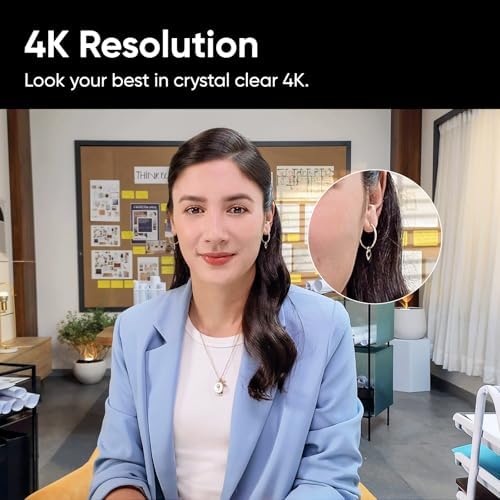
- Sharp 4K video with a large 1/2-inch sensor and HDR
- Gesture controls for zoom and tracking without touching the keyboard
- DeskView, Whiteboard, and Overhead modes are genuinely useful
Could be better
- Expensive compared to standard 4K webcams
- Software can be finicky and occasionally needs a restart
- Gimbal motors are audible in a silent room
Full Review
The Insta360 Link is the most technically ambitious webcam on the market. Instead of a wide-angle lens that digitally crops to fake tracking, it mounts a real camera on a three-axis gimbal that physically pans, tilts, and rotates to follow you around the room. If you present, pace, or demo things off to the side of your desk, nothing else comes close.
Image Quality
The 1/2-inch sensor is genuinely large for a webcam, and it shows. 4K footage is sharp and detailed, low-light performance holds up in a dim home office, and HDR handles backlit windows without blowing out your face. It looks better than almost any other webcam at any price, including the Logitech Brio and Elgato Facecam Pro.
AI Tracking and Gestures
Tracking is the headline feature and it works. Raise your palm to activate, and the camera locks onto you and follows as you move. Make an L-shape with your thumb and finger to trigger zoom. It takes a day to internalize the gestures, but once you do, muting a call to grab coffee without walking out of frame feels like magic.
Specialty Modes
DeskView tilts the camera down and de-warps the image so you can show what’s on your desk — perfect for craft demos, code reviews on paper, or product walkthroughs. Whiteboard mode auto-crops and keystone-corrects a whiteboard. Overhead mode works with a clamp mount for top-down shots. These aren’t gimmicks; they’re why you’d buy this over a cheaper webcam.
Software Caveats
The Link Controller software is required for most features and it’s occasionally unstable. Expect the odd restart, and don’t rely on it for mission-critical presentations without a dry run first.
Who Should Buy This
Buy the Insta360 Link if you teach, present, demo physical products, or move around during calls. If you sit still in front of your monitor all day, a $100 Logitech Brio or Elgato Facecam will serve you just as well for a third of the price.


