MSI MPG 321URX 32" 4K QD-OLED Monitor
The same 32-inch 4K 240Hz QD-OLED panel as the Alienware and Asus flagships, but $300-400 cheaper — and the best OLED you can actually use for work.
Price may vary. As an affiliate, we earn from qualifying purchases.
What we like
- Same 3rd-gen Samsung QD-OLED panel as monitors costing $300+ more
- 138 PPI finally makes OLED text rendering acceptable for code and documents
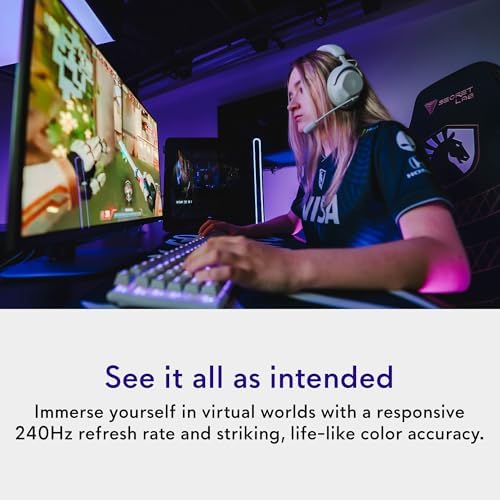
- 240Hz at native 4K with 0.03ms response — no compromise for gaming
- 90W USB-C PD plus KVM handles a single-cable laptop dock setup
Could be better
- Matte coating slightly hazes highlights compared to glossy QD-OLED rivals
- Burn-in risk is real — static UI elements need pixel-shift and screensavers enabled
- Stand is functional but feels cheaper than Alienware's
Full Review
The MSI MPG 321URX is the QD-OLED everyone should have been buying all along. It uses the exact same Samsung panel as the Alienware AW3225QF and Asus ROG Swift PG32UCDM, but typically sells for $300-400 less. There is no performance penalty for choosing the cheaper one — the pixels are identical.
The Panel Doing All the Work
This is a 32-inch 4K (3840 x 2160) QD-OLED running at 240Hz with a 0.03ms response time. That combination did not exist on a single display two years ago. At 138 PPI, text is sharp enough that the per-pixel quirks of OLED subpixel layouts finally stop being a dealbreaker for code and long documents. It is not as crisp as a 4K IPS at the same size, but the gap closed enough that I stopped noticing within a day.
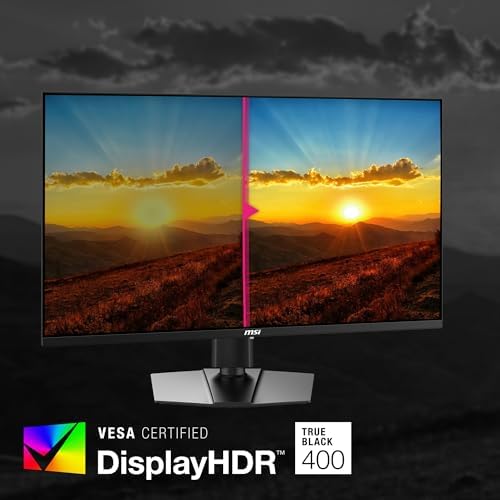
Color volume is the real story. 99% DCI-P3 coverage, near-instant pixel response, and true per-pixel black levels make HDR content look the way it is supposed to. Returning to a backlit IPS feels like watching through fog.
Build, Coating, and the Matte Question
The matte anti-glare layer is the one place MSI clearly differs from the glossy Alienware. It kills reflections cleanly in a window-lit office, but it also adds a faint haze to specular highlights and slightly desaturates very bright pixels. In a bright room you will prefer it. In a dim cave you might wish it were glossy.
The stand is the other corner cut. It tilts, swivels, and adjusts height fine, but the materials feel a tier below the price. Most buyers will VESA-mount it to a monitor arm anyway.
Productivity and the KVM
The 90W USB-C input plus built-in KVM is what turns this from a gaming monitor into a desk centerpiece. One cable to a laptop charges it, drives 4K 240Hz, and swaps the keyboard and mouse between machines. If you bounce between a work laptop and a desktop, this saves a $150 hardware KVM purchase.
Burn-In Reality Check
QD-OLED burn-in is not the boogeyman it was on early panels, but it is also not zero. Enable pixel shift, set screen savers, and do not park static UI elements at maximum brightness for eight hours a day. MSI covers burn-in under warranty for three years, which matches Dell’s coverage on the Alienware.
Who Should Buy This
Get the MSI MPG 321URX if you want the best 32-inch 4K OLED for the lowest price and you work in a well-lit room where the matte coating helps. It is the productivity-friendly OLED — the one where you can actually code, edit, and write without fighting the panel. If you watch movies in a dark room and want the glossiest, most cinematic version of this panel, the Alienware AW3225QF is worth the upcharge. Everyone else should save the $300.