Power & Cables · Review
Plugable Thunderbolt 4 Dock for M4 MacBook (TBT-UDM)
A driverless Thunderbolt 4 dock built for M4/M5 Macs, with dual 4K HDMI, 100W charging and 13 ports at $199.95. It's the pragmatic pick if you don't need Thunderbolt 5.
Published
Our verdict
4.2 / 5
Price at time of review
$199.95
Prices change. As an affiliate, we earn from qualifying purchases — it never decides the verdict.
What we like
- Drives two 4K 60Hz HDMI displays natively on M4/M5 Macs, with no DisplayLink drivers
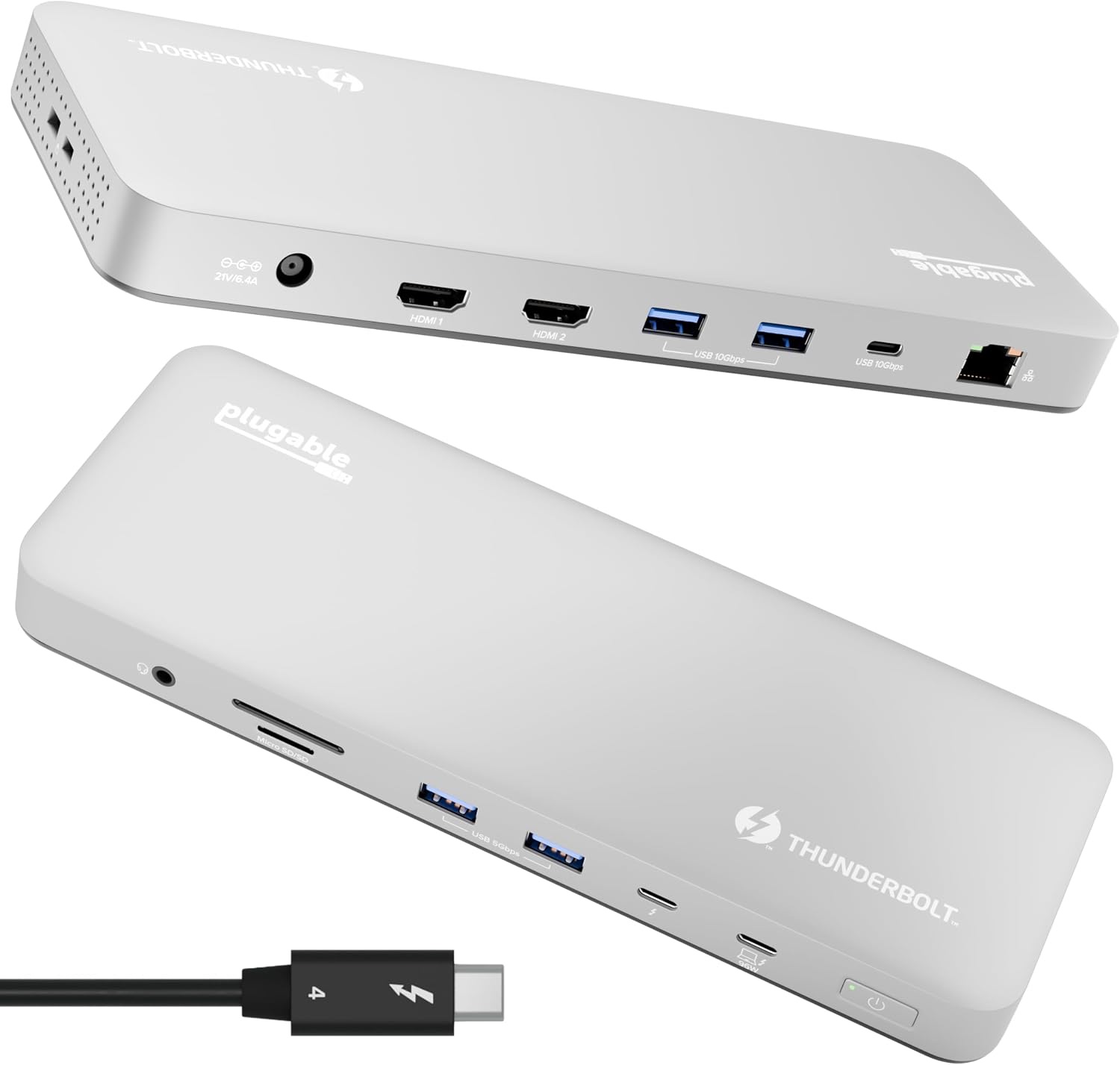
- 13 ports cover most desks: Thunderbolt 4 downstream, USB-C, four USB-A, UHS-II SD/microSD, Ethernet and 3.5mm audio
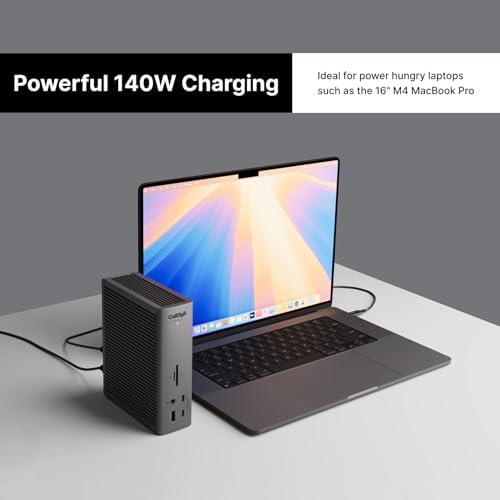
- 100W host charging keeps a MacBook Pro powered under load
- Aluminum space gray enclosure looks at home next to a Mac
- Lifetime support from a North American team, and it's cheaper than most Thunderbolt docks
Could be better
- Thunderbolt 4, not Thunderbolt 5, so there's no headroom for future high-refresh or multi-display setups
- Only one downstream Thunderbolt 4 port, so a second high-speed device or daisy-chained display needs another solution
- Display output is HDMI only, with no DisplayPort
- Base M1/M2 Macs get a single external display, and base M3 Macs get two only in clamshell mode
Full Review
Build and Design
The TBT-UDM is clad in space gray aluminum, so it matches a MacBook and doesn’t look like a plastic office hub. It’s a compact horizontal box that fits behind a monitor or beside a laptop stand. The finish should hold up to a desk that gets rearranged. Plugable built this one for IT deployments as much as for home offices.
Display Support
This is the main feature. On M4 and M5 Macs, and on Pro and Max chips generally, the dock drives two 4K 60Hz HDMI monitors with no DisplayLink software. That means no driver installs and no extra security prompts. Base M3 Macs can run two displays in clamshell mode only, and base M1 and M2 Macs are limited to one external display.
The dock isn’t the bottleneck on a Mac. The Mac’s own display engine is, especially on base chips. If you need more monitors or higher refresh rates, Thunderbolt 5 is the real upgrade. For that, look at the Plugable Thunderbolt 5 dock or the CalDigit TS5.
Ports and Daily Use
The 13 ports cover a typical desk: Ethernet, four USB-A for a keyboard, mouse and drives, one USB-C, UHS-II SD and microSD slots, audio, and one downstream Thunderbolt 4 port at 40Gbps. 100W host charging is enough for a MacBook Pro under load. Everything runs through a single cable, so you plug in once and the desk is ready.
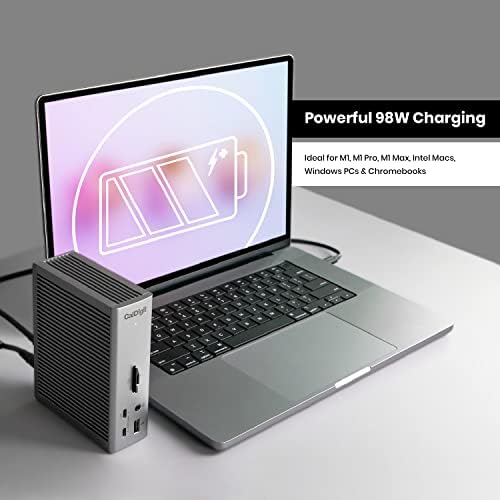
The downstream Thunderbolt 4 port is the limit. If you want several Thunderbolt peripherals, such as a fast SSD plus a Thunderbolt display, consider the CalDigit TS4 instead. It has more Thunderbolt ports and a more premium feel, but it costs more. The Anker 778 is another option if you want a different port mix. Both are worth comparing against this dock’s price.
Value
At $199.95 the TBT-UDM undercuts most Thunderbolt 4 docks while keeping native dual 4K and a clean Mac-focused design. Amazon buyers rate it 4.2 from 179 ratings, which suggests it works well for most people. Lifetime support also helps if you ever hit a compatibility problem.
Who Should Buy This
Buy it if you have an M4 or M5 MacBook Air or Pro, want two 4K monitors with one cable, and don’t plan to move to Thunderbolt 5 soon. It also suits hot-desk and shared-office setups where driverless operation matters.
Skip it if you need several downstream Thunderbolt ports, high-refresh or very high-resolution multi-monitor setups, or room to grow. In that case, go with a Thunderbolt 5 dock or the CalDigit TS4. Owners of base M1 and M2 Macs won’t get dual displays from any dock like this.